Your Guide to the Design Thinking Process Steps
Table of Contents
The design thinking process is a powerful, five-stage framework for tackling complex problems by putting people first. These five phases—Empathize, Define, Ideate, Prototype, and Test—create a structured yet flexible path to uncovering what users truly need and building products they'll genuinely love.
Understanding the Design Thinking Framework
At its heart, design thinking is more of a mindset than a strict, linear process. It forces a fundamental shift in perspective, moving away from internal business assumptions and toward the real, lived experiences of the people you're designing for. The whole point is to deeply understand the user's world before you even start thinking about solutions. This simple change dramatically lowers the risk of building something that nobody actually wants or needs.
By kicking things off with empathy, you're anchoring every future decision in a real human problem. It creates this amazing cycle of observing, brainstorming, and experimenting that consistently leads to better, more impactful products.
The image below really drives home how crucial user empathy is—it’s the rock-solid foundation for everything that follows.
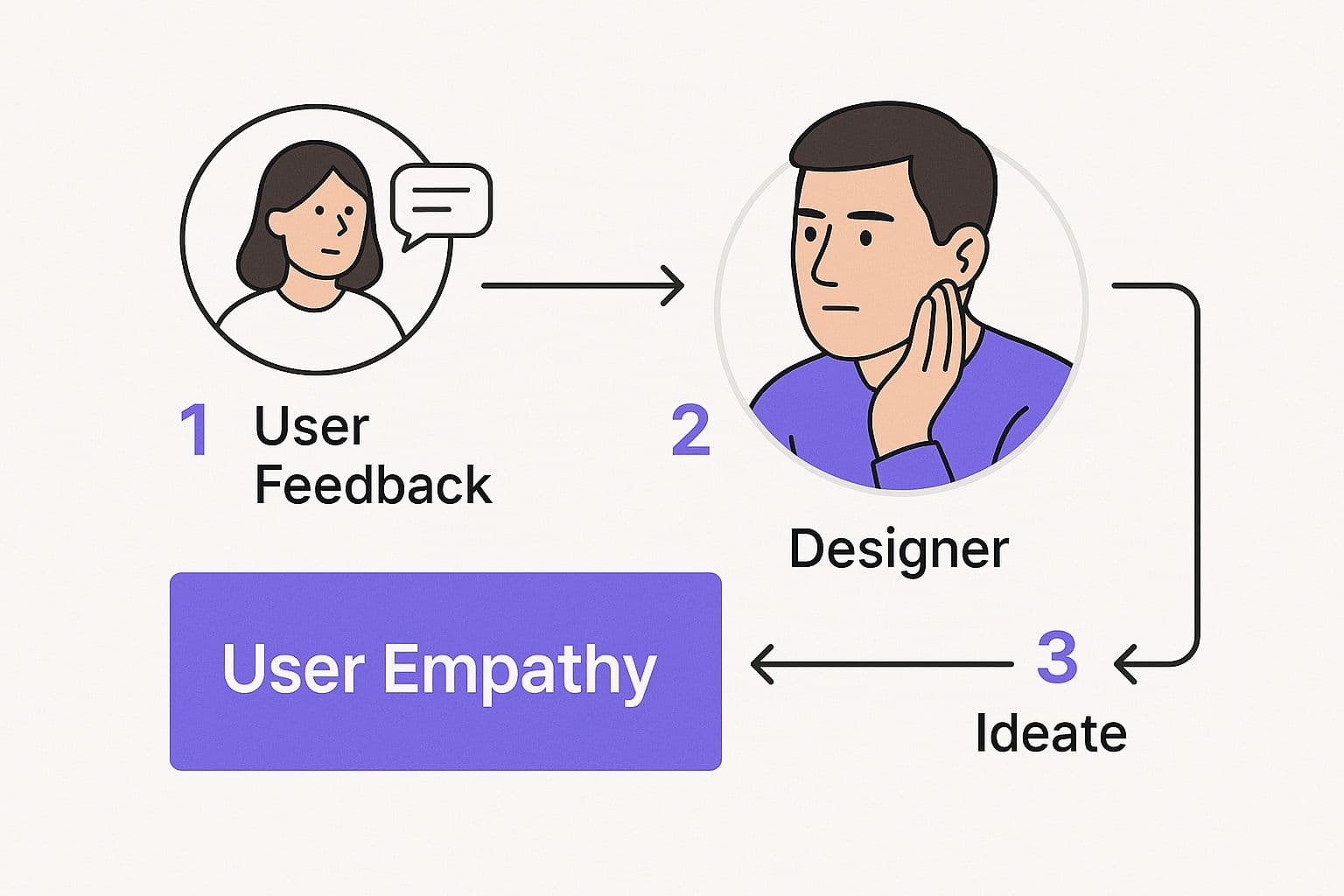
This visual makes it clear: actively listening to your users isn't just one task on a checklist; it's the very soul of the entire framework.
The Five Core Stages
The design thinking process, made famous by Stanford University's d.school, is built around five distinct but interconnected stages. While they're often listed in a certain order, it's crucial to remember that this isn't a rigid, step-by-step recipe. Teams frequently jump back and forth between stages as they learn and refine their ideas. In fact, research shows that companies embracing this method can boost customer satisfaction by as much as 50%. You can learn more about the impacts of design thinking.
To give you a quick snapshot, here’s a breakdown of the five stages.
The Five Stages of Design Thinking at a Glance
| Stage | Core Purpose | Key Activities |
|---|---|---|
| Empathize | To gain a deep, personal understanding of your users. | User interviews, observation, creating empathy maps, engaging with users in their environment. |
| Define | To clearly articulate the core user problem you will solve. | Analyzing observations, synthesizing findings, crafting a clear problem statement (Point of View). |
| Ideate | To generate a wide range of potential solutions. | Brainstorming sessions (e.g., "How Might We"), mind mapping, SCAMPER, challenging assumptions. |
| Prototype | To create tangible versions of your ideas to test. | Building low-fidelity models (paper, wireframes) or high-fidelity interactive mockups. |
| Test | To gather real user feedback on your prototypes. | Usability testing, A/B testing, getting prototypes into users' hands, observing reactions. |
This table provides a high-level view, but the real magic happens in the dynamic interplay between these stages.
This non-linear approach is one of design thinking's greatest strengths. A surprising piece of feedback during the Test phase might send you straight back to Ideate a new feature, or even all the way back to the Empathize stage if you realize you've missed a fundamental user need. It’s all about a continuous loop of learning and improving.
Getting to Know Your Users for Real
Great products aren't born from a spark of genius in a boardroom. They start with people. This is where the first, and arguably most important, phase of design thinking comes in: Empathy. It’s all about putting your own assumptions on the shelf and diving headfirst into your users' world to understand what they really think, feel, and need.
This isn't about blasting out a SurveyMonkey link and calling it a day. Real empathy demands that you get out of your own head—and out of the building. You have to see their struggles for yourself, watch how they actually work, and listen to the stories they tell. That's where you find the unarticulated problems that lead to truly game-changing solutions.
Digging Deeper Than "What Do You Want?"
If you want to build genuine empathy, you have to use methods that get at motivations, not just opinions. The truth is, most people are not very good at explaining what they need. Asking a direct question like, "What feature should we build next?" almost never gives you the breakthrough insight you're looking for. The real goal is to understand their world.
Here are a couple of powerful ways to do that:
- User Interviews: Think of these less as formal interviews and more as candid conversations. Your goal is to get people to tell you stories. Open-ended questions are your best friend here. Try prompts like, "Can you walk me through the last time you had to do X?" or "Tell me about a time you got really frustrated with Y..." This approach uncovers the emotions and context behind their actions.
- Observation (or "Shadowing"): This is where the magic really happens. By just watching users go about their day in their own environment—their office, their home, even on their commute—you'll spot all the little workarounds, hangups, and moments of joy they’d never think to tell you about. These observations are pure gold.
Let's say a team is building a new project management tool for marketing agencies. A survey might tell them users want "better reporting features." But shadowing a project manager for a day might reveal the real issue: she spends 20 minutes every morning manually pulling numbers from three different spreadsheets just to give her boss a single status update. That's the problem you want to solve.
Empathy is about seeing with the eyes of another, listening with the ears of another, and feeling with the heart of another. It’s the bedrock of the entire design thinking process. Without it, you're just building on guesswork.
How to Start Building Empathy Today
You don't need a huge budget or a dedicated research department to get started. All it really takes is a genuine curiosity about people and a willingness to listen.
Here are a few practical ways you can start gathering insights right away:
- Try Some "Guerrilla" Research: Find out where your target users hang out—a local coffee shop, a co-working space, an industry meetup. Go there and offer to buy someone a coffee in exchange for 15 minutes of their time. The casual setting often helps people open up and share more honestly.
- Walk a Mile in Their Shoes: Whenever possible, become the user yourself. Sign up for the existing service, use the competitor's product for a week, and meticulously document your own frustrations, confusions, and "aha!" moments. This first-hand experience is invaluable.
- Map Out What You've Learned: After an interview or observation, get your team together and fill out an Empathy Map. It’s a simple four-quadrant tool where you jot down what the user Says, Thinks, Does, and Feels. This exercise forces you to look past the literal words and consider the complete human experience behind them.
This first phase is all about collecting raw, unfiltered stories. You're not looking for solutions just yet. The goal is to develop a deep, visceral understanding of the people you're designing for. The rich insights you gather here will be the fuel for everything that comes next.
Defining the Problem You Need to Solve
After spending time in your users' world, you'll come back with a mountain of raw data—interview notes, observations, and genuine human stories. The real magic happens next, in what we call the Define stage. This is where you sift through everything you've learned and distill it into a single, crystal-clear problem statement.
This isn't just an academic exercise. A sharp, well-defined problem statement becomes your North Star for the entire project. It keeps your team from getting sidetracked by cool but irrelevant features and ensures everyone is pulling in the same direction, solving the same core issue.
From Vague Goals to Focused Missions
Most projects start with a broad business goal, something like "we need to improve user engagement." That’s a start, but it’s far too vague to inspire great design. Your job now is to reframe that goal through the lens of your user.
Let's say your empathy research revealed a common thread: freelance creatives are completely swamped trying to keep track of their income from a dozen different clients. Suddenly, that generic goal has a human face.
This is where you can reshape the challenge into a "How Might We" (HMW) question. This simple format is a game-changer.
How Might We questions are intentionally open-ended. They turn a frustrating problem into a creative opportunity, encouraging your team to explore a wide range of solutions instead of fixating on just one.
So, for our overwhelmed freelancers, the question transforms. Instead of "improve engagement," your team is now rallied around a much more compelling mission: "How might we help freelance creatives track their project income with zero stress?" This is a critical step in the process for developing an app that truly matters to people.
Key Tools for Defining the Problem
Getting to a powerful HMW statement doesn't happen by accident. You need to structure your findings and get your team on the same page. Here are a couple of my go-to tools for this phase:
- User Personas: These aren't just generic profiles. A good persona is a fictional character built from your real research, representing a key user segment. Give them a name, a backstory, and real-world goals. This helps your team ask, "What would 'Sarah the freelancer' actually do here?"
- Point of View (POV) Statements: This is a simple but incredibly effective formula for crystallizing your insights: [User] needs [Need] because [Insight]. It forces you to connect a specific user with their core need and the underlying reason why it's a problem.
For instance, a POV statement for our scenario might look like this: "A busy freelance graphic designer (User) needs a simple way to see all project income in one place (Need) because manually compiling invoices from different clients is time-consuming and causes anxiety (Insight)."
Nailing this statement makes writing your "How Might We" question almost effortless.
Unleashing a Flood of Ideas
Alright, you've got a crystal-clear, human-centered problem statement. Now comes the fun part, where the design thinking process truly opens up: Ideation. This is where your team’s thinking shifts from analytical to imaginative. The goal isn't to land on the perfect idea immediately. It's to generate a massive volume of ideas. Think quantity, not quality.
This phase is all about creating a space where no idea is too wild or off-the-wall. When you put judgment on hold, you give everyone permission to explore unconventional paths, which is often where the most innovative solutions are hiding. Picture it like casting the widest possible net before you even think about what you'll keep.
Brainstorming That Doesn't Suck
Let's be honest, we've all been in those brainstorming sessions that go nowhere, where a couple of people do all the talking. To get around that, you need to use structured techniques that give everyone a voice and nudge the team past the easy, obvious answers.
Here are a few of my go-to methods to get the creative energy flowing:
- Mind Mapping: Plaster your "How Might We" question right in the center of a whiteboard. From there, start branching out with any related ideas, themes, or keywords that pop into your head. This visual free-for-all is great for spotting unexpected connections and building a rich web of possibilities.
- SCAMPER: This is a killer technique for looking at an existing idea from a completely different angle. It's an acronym that gives you seven creative prompts: Substitute, Combine, Adapt, Modify, Put to another use, Eliminate, and Reverse. It’s a structured way to force your brain out of its usual ruts.
- Worst Possible Idea: This is my personal favorite for shattering creative blocks. Challenge the team to come up with the absolute worst, most counterproductive, and downright silly solutions to the problem. It’s hilarious, it lowers everyone’s guard, and you’ll be shocked at how often flipping a terrible idea on its head leads to a genuinely brilliant one.
The best ideation sessions happen when every single person feels safe enough to share without being shot down. As the facilitator, your job is to fiercely protect that psychological safety and keep the momentum going.
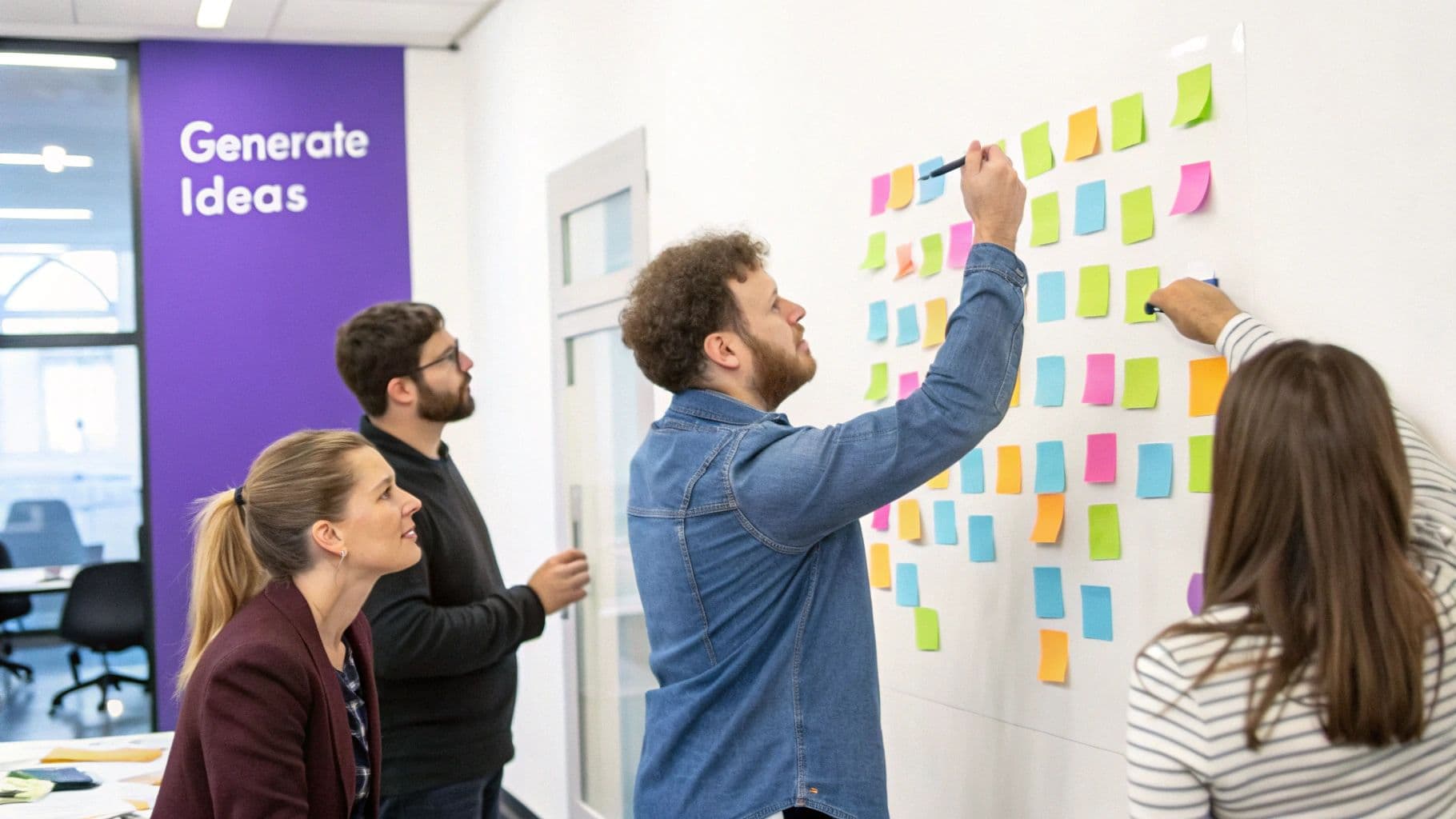
Once the whiteboard is overflowing with sticky notes, it's time to find the signal in the noise. Start grouping similar ideas into clusters to see what themes emerge. This helps you spot patterns and promising directions.
A simple round of dot voting—giving everyone a few stickers to place on their favorite concepts—is a quick, democratic way to gauge which ideas are gaining traction. This doesn't decide the winner, but it does help you narrow the field and zero in on what to explore next.
Bringing Your Ideas to Life with Prototypes
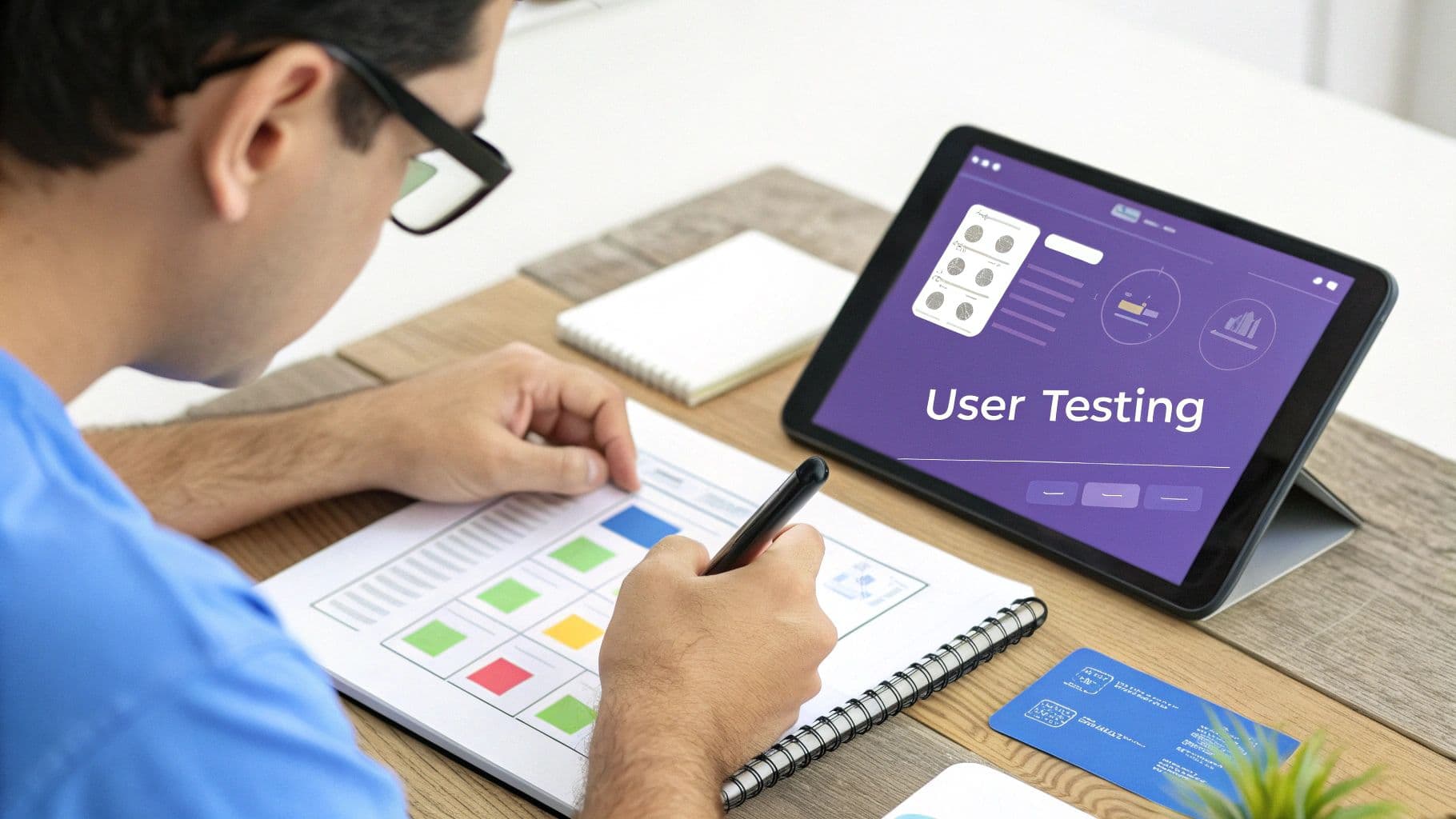
Alright, you’ve just come out of a whirlwind brainstorming session with a wall full of exciting ideas. Now what? This next step is where the magic really happens—where your abstract concepts start to feel real. Welcome to the Prototype phase.
It’s time to stop just talking about what you could build and actually start building it. Well, a small, inexpensive version of it, at least.
The single biggest mistake I see teams make right here is trying to build something perfect. A prototype isn't a final product; think of it more like a question you're asking your users. The goal is to get a reaction and gather honest feedback while changes are still cheap and easy.
Why You Should Start with Low-Fidelity
It's always tempting to jump straight into a polished, interactive mockup in a tool like Figma. Don't. Your best bet is to start simple. This is what we call a low-fidelity prototype. It's fast, it costs next to nothing, and it forces everyone to focus on what truly matters: the core concept and user flow, not the color palette.
Here are a few of my favorite ways to get going quickly:
- Paper Prototypes: I’m serious. Just sketch your app screens or website pages on paper. You can then play the part of the "computer," swapping out pages as a user "taps" a button. It’s an incredibly effective way to test basic navigation in just a few minutes.
- Storyboarding: Grab a pen and draw a simple comic strip showing how a user interacts with your solution. This is a fantastic technique for testing the overall story and emotional journey of the experience.
- Physical Models: If you’re working on a physical product, use whatever you can find—cardboard, LEGO bricks, clay. Building a rough 3D model helps people immediately understand its size, shape, and how it might feel to hold.
This whole rapid, iterative approach has completely taken over product development for a reason. By the late 2010s, over 75% of Fortune 500 companies were using design thinking in some form, all because they realized that understanding the customer experience was their biggest competitive advantage.
The core principle here is to build to think. The very act of making something, even a crude paper prototype, clarifies your own ideas and exposes logical flaws you'd never see in a purely theoretical discussion.
When to Increase Fidelity
Once you've gathered some initial feedback and started to zero in on a solid concept, you can begin to increase the detail and interactivity. This is when you move into high-fidelity models, which look and feel much more like the final product.
Tools like Figma or Adobe XD are perfect for this, letting you create clickable wireframes that users can actually navigate on their own devices.
The key is to match the level of detail—the fidelity—to the specific question you're trying to answer.
Are you just testing the basic flow? Stick with paper. Are you testing the usability of a specific button or menu? A clickable wireframe is your best bet.
It's also crucial to understand that a prototype isn't the same as a proof of concept. Each serves a very different purpose. If you want to dig into that distinction, our guide on prototype vs proof of concept breaks it down further.
Common Questions About the Design Thinking Process
Even with a solid grasp of the five stages, I've seen teams run into the same questions time and again when they first try to put design thinking into practice. It's a flexible framework, not a rigid set of rules, which is both its biggest strength and a common source of confusion.
Let's clear the air and tackle some of the most frequent questions I hear.
One of the biggest mental blocks for newcomers is the idea that they have to march through the steps in a perfect, one-through-five sequence. That’s just not how it works in the real world.
Do I Have to Follow the Steps in Order?
Nope. Not at all. Think of the design thinking process steps as different mindsets you can shift between, not a strict, linear recipe. The whole process is built to be iterative and non-linear. It's not just normal to jump between stages—it's essential.
For example, you might be in the Test stage when a piece of user feedback completely shatters one of your core assumptions. That might send your team right back to the whiteboard to Ideate a new solution. Or worse, you might realize you've completely misunderstood the user's core problem, which means it’s time to loop all the way back to Empathize and do more research.
The real magic of this framework isn't in ticking boxes. It’s about creating a continuous loop of learning and refining, all driven by genuine human feedback.
This philosophy of learning through rapid cycles is the same engine that powers modern software development. You can see the same principles in action when you explore the benefits of a minimum viable product.
Is Design Thinking Just for Designers?
That’s probably the biggest misconception out there. While it definitely grew out of the design industry, its human-centered approach to problem-solving is valuable for absolutely everyone. I’ve seen it work wonders in all sorts of fields.
It's a versatile methodology used to tackle an incredible range of challenges:
- Healthcare teams use it to redesign hospital layouts and patient intake processes, making things smoother for both patients and overworked staff.
- Educators apply it to craft lesson plans that actually resonate with students and make learning more engaging.
- Business leaders use it to develop new services, fix clunky internal workflows, and map out far better customer journeys.
Bottom line: if your job involves solving problems for other human beings, design thinking can help. It gives diverse teams a shared vocabulary and a structured way to collaborate.
What Tools Do I Need to Start?
You don't need to invest in a bunch of expensive software to get going. Honestly, the most critical tools are a curious mind and a collaborative spirit. For the early stages, you can get by with stuff you probably have lying around the office.
Here's a simple starter pack:
- Empathize: A notebook, a pen, and your ability to listen are all you need for great interviews and observations.
- Define: A big whiteboard (or even just a wall) and a mountain of sticky notes are perfect for clustering insights and finding patterns as a team.
- Ideate: More sticky notes and some markers are the classic combo for a reason. They keep the energy high and the ideas flowing.
Even when you get to prototyping, start simple. Paper and markers are fantastic for sketching out initial concepts. The focus should always be on the people and the process, not on fancy tools.
At Iglu Digital, we live and breathe these principles. It's how we turn fuzzy ideas into market-ready MVPs with the price fixed before we start. If you're ready to build a product that's truly grounded in user needs, let's bring your vision to life.