A Guide to Mobile Application Usability Testing
Table of Contents
So, what is mobile application usability testing? It's where you put your app in front of real people to see if it’s actually as easy and enjoyable to use as you think it is. This isn't about hunting for bugs. It’s about finding those frustrating moments—the points of friction—that can make or break the user experience.
Think of it as a much-needed reality check before you launch.
Why Mobile Usability Testing Is Essential for App Success
In a sea of apps, user experience isn't just a nice-to-have; it's everything. It's the main reason people stick around or delete your app within minutes. A beautiful app that’s a nightmare to navigate is dead on arrival.
This is why usability testing is a non-negotiable step. It’s the bridge between your team's vision and what your users actually need and expect. If you skip this, you're essentially flying blind. You risk launching an app that frustrates the very people you built it for, which quickly leads to a graveyard of bad reviews, high churn rates, and a lot of wasted time and money.
The Real-World Consequences of Poor Usability
Let's imagine a new mobile banking app hits the market. It looks modern and promises all sorts of cool features. But when a customer tries to do something simple, like transfer money, the button is buried under some weird, unrecognizable icon. The frustration is immediate.
What happens next? A flood of 1-star reviews, angry tweets, and a mass migration to a competitor's app that gets the basics right. This isn't a made-up story; it happens all the time. It shows the direct line between an app's usability and its business success. It’s not about looks—it’s about making things work effortlessly for the user.
A seamless user experience directly translates to user loyalty. When an app works as expected, people trust it, use it more frequently, and are more likely to recommend it. Proactive testing is the only way to guarantee that experience.
Navigating the Fragmented Device Landscape
The sheer variety of mobile devices adds another layer of complexity. Your app might run flawlessly on the newest iPhone, but what about on a two-year-old Android? Or a new foldable phone? Without testing across a wide range of hardware, you’re unintentionally shutting the door on huge chunks of your potential audience.
The mobile world is only getting more complicated. By 2025, the market will be a mix of devices running systems like Android 14 and iOS 18, not to mention foldables, tablets, and smartwatches on watchOS or Wear OS. This means your app needs to be tested on hundreds of device and OS combinations to ensure it feels right for everyone. You can explore more about the mobile testing challenges of tomorrow to get ahead of the curve.
Ultimately, investing in mobile usability testing isn't an expense—it's a critical strategy that protects your investment and fuels growth.
- Drives User Retention: When you smooth out the rough edges, you give people a reason to keep coming back.
- Protects Brand Reputation: A well-tested, intuitive app sidesteps the scathing reviews that can sink a brand's reputation for good.
- Reduces Development Costs: It's always cheaper to find and fix a problem before you launch than to rebuild a live app based on a tidal wave of user complaints.
By making usability testing a priority from the start, you stop guessing and start making informed, data-driven decisions that lead to a much stronger and more successful product.
Setting Clear Usability Goals for Your MVP
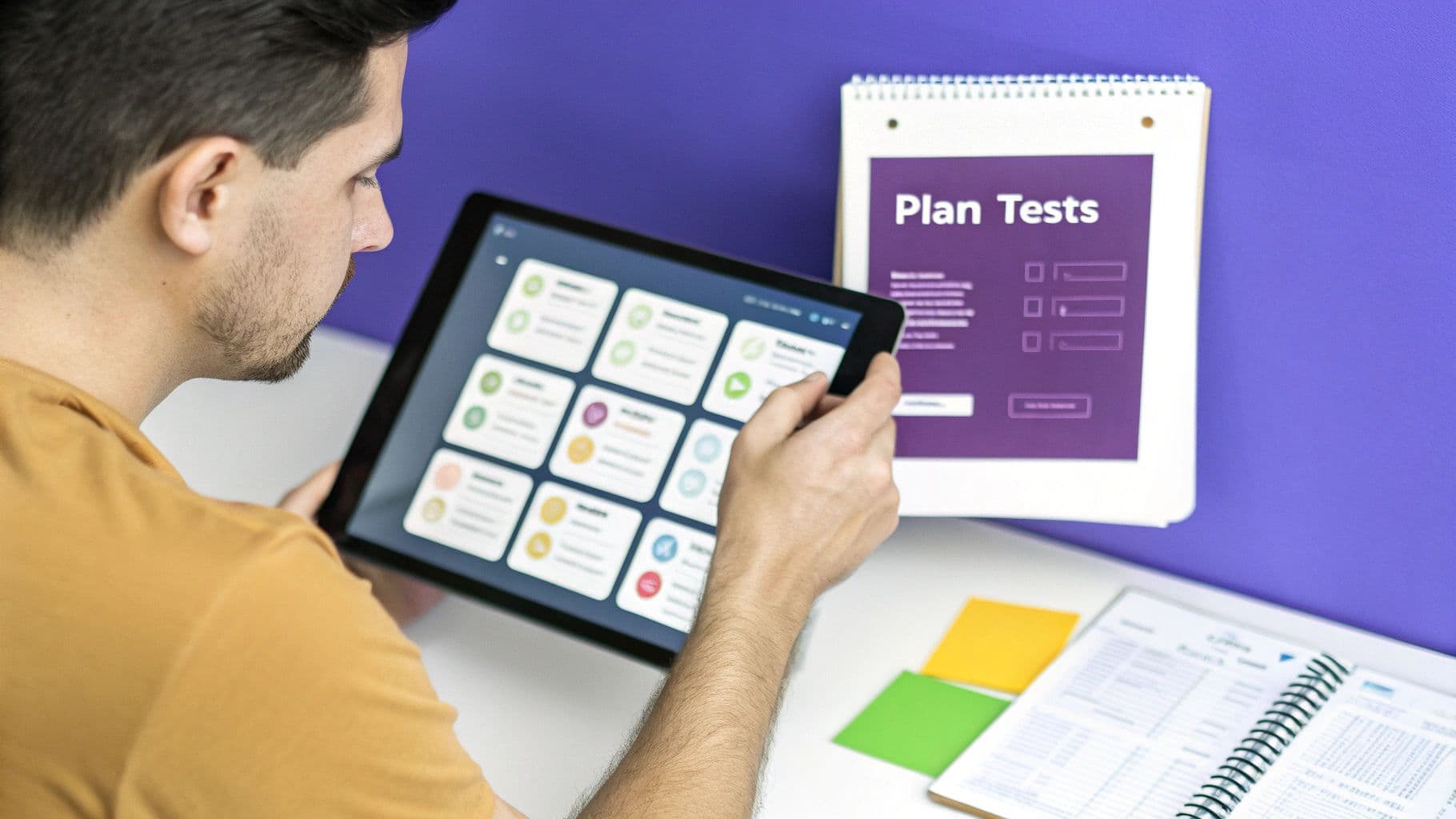
Great usability testing starts long before you sit down with a single user. It begins with a clear destination. If you go in with a vague objective like "see if people like the app," you're guaranteed to get vague, unhelpful feedback. You need specific, measurable goals tied directly to the core purpose of your Minimum Viable Product (MVP).
An MVP is all about validating a core assumption with minimal effort. Your usability testing should mirror that philosophy—is the app intuitive enough for users to actually get that core value? Aligning your testing with your business strategy is key, and you can dive deeper into the https://iglu.dev/blog/benefits-of-minimum-viable-product to make sure you're on the right track.
The financial reality is that getting this wrong is expensive. Companies can lose over $100,000 annually from slow releases or nagging usability problems. With the global mobile app testing market expected to reach $13.6 billion by 2026, it’s obvious that smart companies are investing heavily to sidestep these issues. This initial goal-setting phase isn't just a formality; it's fundamental to your app's financial success.
Identify and Prioritize Core User Journeys
First things first: you can't measure anything until you know what to measure. Start by mapping out the absolute most critical paths a user needs to take for your app to deliver on its promise. For an MVP, this list should be brutally short and focused.
What are the non-negotiable interactions? These are the handful of flows that prove your concept works.
- User Onboarding and Registration: Can a new user sign up and understand the app's purpose without getting stuck?
- First Key Action: Where's that initial "aha!" moment? This could be logging their first workout, creating their first to-do list, or making a purchase.
- Core Feature Engagement: How do people actually interact with the one or two features that set your app apart?
Don't get sidetracked by secondary features like tweaking profile settings or managing notifications. That stuff can wait. For now, your mobile application usability testing needs a laser focus on the journeys that matter most.
Translate Business Objectives into Testable Scenarios
With your core journeys defined, it's time to turn your high-level business goals into concrete tasks you can actually test. This is where you connect abstract ideas to measurable results.
For example, a business goal like "Increase user activation" is a good start, but it's not testable. A strong usability goal, on the other hand, would be: "80% of new users can finish the onboarding and create their first project in under three minutes." See the difference? It's specific, measurable, and time-bound.
Pro Tip: Always frame your goals around what the user needs to accomplish, not just what a feature does. Instead of asking, "Do they get what the 'Add Task' button is for?", you should be asking, "Can users add three tasks to a new project without any help?" One gives you an opinion, the other gives you a real behavioral insight.
Here’s how this works in practice. Let’s say you're building a new fitness app MVP. You need to turn broad business goals into specific usability targets for the core features you're testing.
Example Usability Goals for a Fitness App MVP
| Business Objective | Core User Journey | SMART Usability Goal |
|---|---|---|
| Drive initial user engagement. | User Onboarding & First Workout | 8 out of 10 new users will successfully create an account and log their first workout in less than 5 minutes. |
| Validate the core workout tracking feature. | Tracking a Full Workout Session | 90% of testers will be able to start, pause, and save a workout session without moderator assistance or errors. |
| Ensure users can find relevant content. | Finding a New Workout Plan | 75% of users will be able to locate and start a beginner-level workout plan from the main dashboard in under 60 seconds. |
This table shows exactly how to make your goals concrete and measurable, giving your testing sessions a clear purpose.
When you have this level of clarity, the feedback you collect becomes instantly actionable. You’ll pinpoint exactly where the friction is in the user journey, allowing your development team to focus their efforts on what truly matters. This ensures your MVP evolves based on real user behavior, not just your team's assumptions.
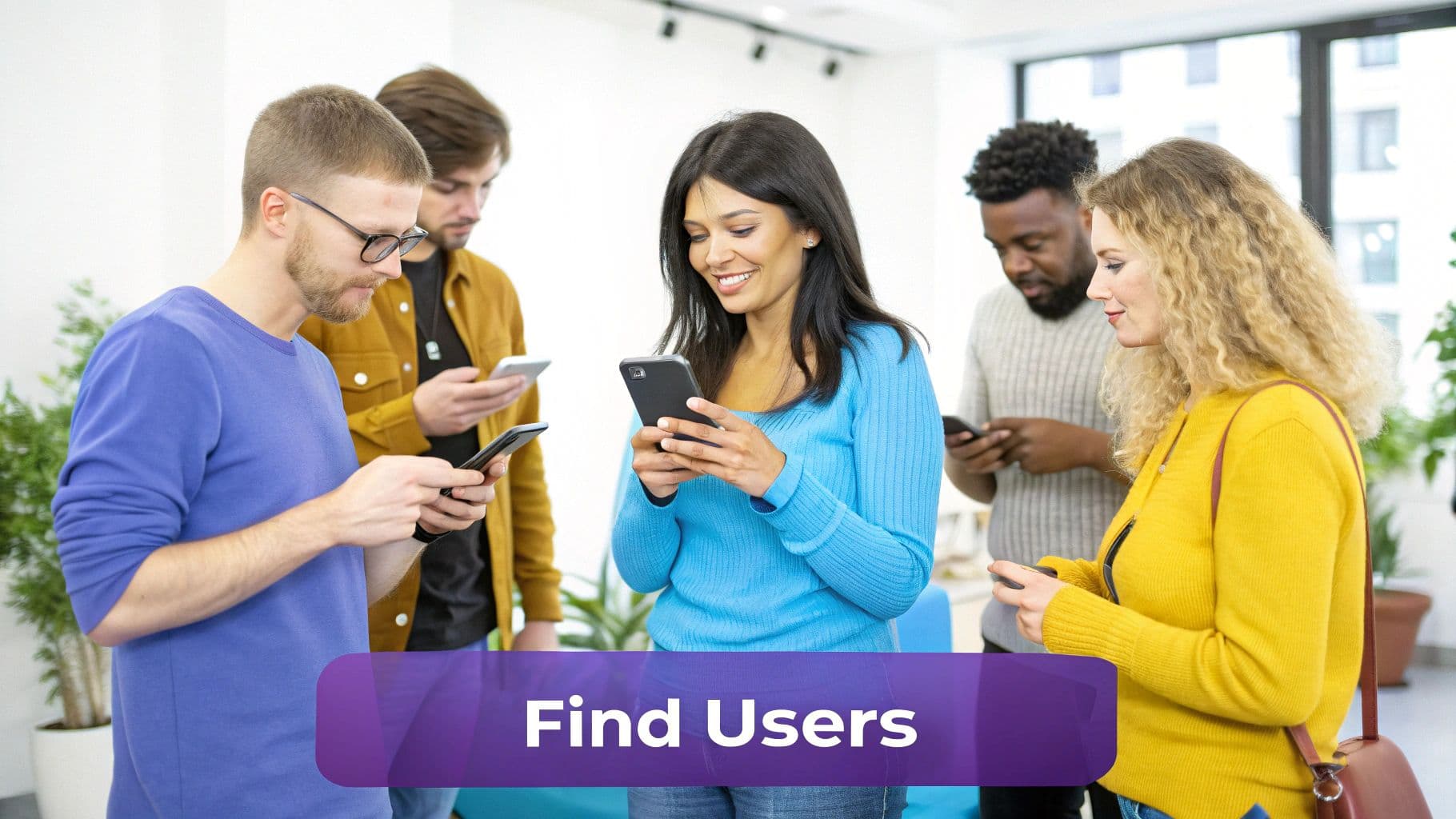
Finding the Right People to Test Your Mobile App

The insights you get from usability testing are only as good as the people you test with. It’s that simple. If you recruit the wrong participants, you’ll end up with feedback that’s not just unhelpful, but potentially misleading.
Imagine testing a complex financial planning app with tech novices who have zero interest in investing. The issues they flag won't be the real-world roadblocks your actual target users would face. The whole point is to find people whose needs, behaviors, and tech skills mirror your future customers so you can fix the problems that would actually cause uninstalls and bad reviews.
Where to Look for Your Ideal Testers
Finding the right people can feel like a chore, but there are a handful of reliable channels you can tap into. Often, the best strategy is to use a combination of a few different sources to get the right mix.
Here are a few places I’ve had success with:
- Dedicated Recruiting Platforms: Services like UserTesting, Userlytics, and Respondent are built for this. They maintain huge panels of pre-screened testers, letting you filter down to incredibly specific criteria—from demographics and job titles to the exact phone they use.
- Social Media Hubs: Think about where your audience hangs out online. Building a new bike route planner? Post in a cycling subreddit or a popular Facebook group for enthusiasts. You go where they are.
- Your Own Network: Don't overlook the obvious. If you have an existing customer base or even just an email newsletter list, these people can be a goldmine. They already know your brand and are often happy to help you improve.
A word of caution: avoid the temptation to just ask friends and family. They mean well, but they're almost always too polite to give you the brutally honest feedback you desperately need. Their bias can easily mask critical flaws in your app's design.
Crafting a Screener That Actually Works
Once you have a pool of potential testers, you need to filter them effectively. That’s where a screener questionnaire comes in—it’s a short survey designed to weed out anyone who isn't a perfect fit.
The key is to ask about behaviors, not just demographics. For instance, instead of asking, "Do you use fitness apps?" try something more specific like, "How many times in the last week have you used an app to track a workout?" The first question finds aspirational users; the second finds active ones.
Also, think about what stage you’re at. Are you testing a rough wireframe or a fully functional build? The type of feedback you need will differ. To get clear on your test asset, it helps to understand the difference between a prototype vs. proof of concept.
Keep your screener short and to the point—no more than 5-10 questions is ideal to prevent people from dropping off.
How Many Testers Do You Really Need?
It’s a classic mistake to think you need a huge sample size for qualitative usability testing. You really don't.
Landmark research from the Nielsen Norman Group has shown time and again that you can uncover roughly 85% of the usability problems with just five users. After that, you start seeing the same issues pop up repeatedly, and the return on your investment diminishes fast.
For an MVP, the magic number is usually between 5 and 8 participants. That's enough to spot the major patterns and gather a ton of actionable feedback without getting bogged down in logistics or breaking the bank.
And finally, don’t forget the essentials. Get informed consent from every participant, be transparent about how you’ll use their data, and always compensate them fairly for their time. It’s not just good practice—it encourages better, more thoughtful feedback.
Selecting the Best Tools for Your Usability Test
Choosing the right tool for your mobile app usability test can feel overwhelming. There are dozens of options out there, each with its own slick marketing and long feature list. The secret is to ignore the noise and start with your specific needs—not the tool's bells and whistles.
Your budget, your timeline, and the kind of feedback you're after should drive this decision. Are you trying to get high-level numbers on a prototype, or do you need to sit down with a user (even virtually) and really understand the why behind their clicks? Answering that one question will cut your options in half.
Moderated vs. Unmoderated Platforms
The first fork in the road is deciding between a moderated or unmoderated testing tool. This choice fundamentally changes the kind of insights you'll get.
- Moderated Testing Tools: Think of these as live, one-on-one interviews. You, the facilitator, guide a participant through tasks and can ask follow-up questions on the fly. This method is pure gold for digging into complex user flows, uncovering motivations, and getting that rich, qualitative feedback that tells a story. It’s like a guided tour where you can stop and ask why someone decided to turn left instead of right.
- Unmoderated Testing Tools: Here, users complete tasks on their own, whenever they have a spare moment. It's fast, scalable, and fantastic for gathering quantitative data. You can quickly validate a user journey, measure task success rates across a large group, and get broad feedback without the headache of scheduling dozens of live calls.
Many modern platforms now offer a hybrid approach, letting you mix and match methods as your research goals evolve.
Matching the Tool to Your Testing Goals
Once you know whether you need a guide or want to let users explore on their own, you can start looking at specific platforms. There are some great options out there, each with its own strengths. For example, Userlytics offers highly customizable plans, Maze is brilliant for prototype testing with AI-powered insights, and Testbirds is a powerhouse for large-scale international testing.
Platforms like these give you the tools to see what's really happening through session replays, heatmaps, and A/B tests, helping you pinpoint exactly where users are getting stuck. You can even compare the best mobile app usability testing tools of 2025 to get a more detailed breakdown.
For teams that need deep, customizable insights, a platform like Userlytics provides a robust interface for designing detailed studies.
You can see how this kind of interface is built for flexibility, making it a strong contender for in-depth qualitative research.
When you're just starting, it's tempting to pick the tool with the most features. Resist that urge. A simpler tool that does one thing exceptionally well—like unmoderated prototype testing—is often far more valuable for an MVP team than a complex suite you'll only use 20% of.
To help you navigate the options, here's a look at how some of the popular platforms stack up.
Comparison of Mobile Usability Testing Platforms
This table offers a quick, feature-based comparison to help your team choose the best tool for your specific needs, whether you're testing an early-stage prototype or a live app.
| Tool | Best For | Key Feature | Pricing Model |
|---|---|---|---|
| UserTesting | Comprehensive enterprise-level research and accessing a diverse participant panel. | Human Insight Platform, AI-powered analysis, extensive templates. | Subscription-based, custom quotes. |
| Maze | Rapid, unmoderated testing of prototypes and concepts, integrated with design tools. | Direct integration with Figma, Adobe XD; AI-powered open question analysis. | Free tier available, then per-seat subscription. |
| LookBack | Live, moderated mobile and desktop testing with deep observational capabilities. | Real-time screen sharing, note-taking, and collaboration for observers. | Subscription-based by session count. |
| Userlytics | Highly customizable moderated and unmoderated tests with flexible participant sourcing. | Advanced filtering for panel recruitment, unlimited accounts on some plans. | Pay-as-you-go and subscription plans. |
Each tool has its sweet spot. Your job is to find the one that aligns with your team's workflow, budget, and research questions right now.
Key Considerations Beyond Features
Before you pull the trigger, think about a few practical details. How will you find your participants? Some platforms have their own panel of testers ready to go, which can be a massive time-saver. Others require you to bring your own users (BYOU).
Finally, don't overlook the analysis and reporting features. A great tool doesn't just record videos; it helps you find the "aha!" moments. Look for things like automatic transcriptions, the ability to create highlight reels, and easy ways to tag and share key findings with your team.
The goal isn't just to gather feedback—it's to turn that feedback into action as quickly as possible. The right tool will feel less like a chore and more like a secret weapon for building a better app.
Showtime: Running Your Test and Making Sense of the Feedback
This is where the rubber meets the road. All that careful planning is about to pay off in the form of real, human insights. Running a usability test is more than just watching someone poke at a screen; it's about creating a comfortable space where you can genuinely understand their thought process, see their frustrations, and catch those little moments of delight.
How you run the session and, just as importantly, how you analyze the data afterward, will directly shape the quality of your MVP. Your approach will differ a bit depending on whether you're running moderated or unmoderated tests, but both require a specific touch to get right.
The Art of Moderating a Live Session
When you're running a moderated test, your job is part guide, part psychologist. You want to make the participant so comfortable they forget you're even there, allowing them to think out loud and give you a raw, unfiltered look into their mind. A relaxed user gives you gold; a nervous one gives you polite, useless feedback.
Kick things off by setting the stage. I always make a point to say something like, "Remember, we're not testing you, we're testing the app. There are no wrong answers here. In fact, your most critical feedback is the most helpful thing you can give us."
Once you get going, your best friend is the think-aloud protocol. You're essentially asking the user to narrate their journey. If they go quiet, a gentle nudge is all it takes.
- Instead of asking a leading question like, "Was that easy?" try an open-ended one: "How did that compare to what you expected to happen?"
- Instead of, "Do you like this screen?" ask, "What are your first impressions here?"
- If they get quiet and seem stuck, a simple, "What's on your mind right now?" can unlock a flood of valuable information.
The hardest part? Resisting the urge to help them. When a user struggles, that’s not a failure—it's a critical insight. Let them struggle. Those moments are pure gold.
Writing Instructions for an Unmoderated Test
With unmoderated tests, you don't get the luxury of a real-time conversation. This means your written instructions have to be absolutely crystal clear. One confusing sentence can send a user down a completely wrong path, torching that session's data and your budget.
Each task needs to be a specific, actionable scenario, not a vague command.
- Weak: "Sign up for an account."
- Strong: "Imagine you've just downloaded this app. Your goal is to create a new account using your email address."
Give them enough context to understand the why behind the task, but don't hold their hand and lead them to the solution. Be explicit about what a "successful" task completion looks like. Before you launch it to the world, always do a quick pilot test with a coworker to catch any confusing language.
My Two Cents: The quality of your unmoderated test data is a direct reflection of the clarity of your instructions. Spend an extra hour refining your task descriptions. You'll save yourself a massive headache later.
From Raw Notes to Actionable Insights
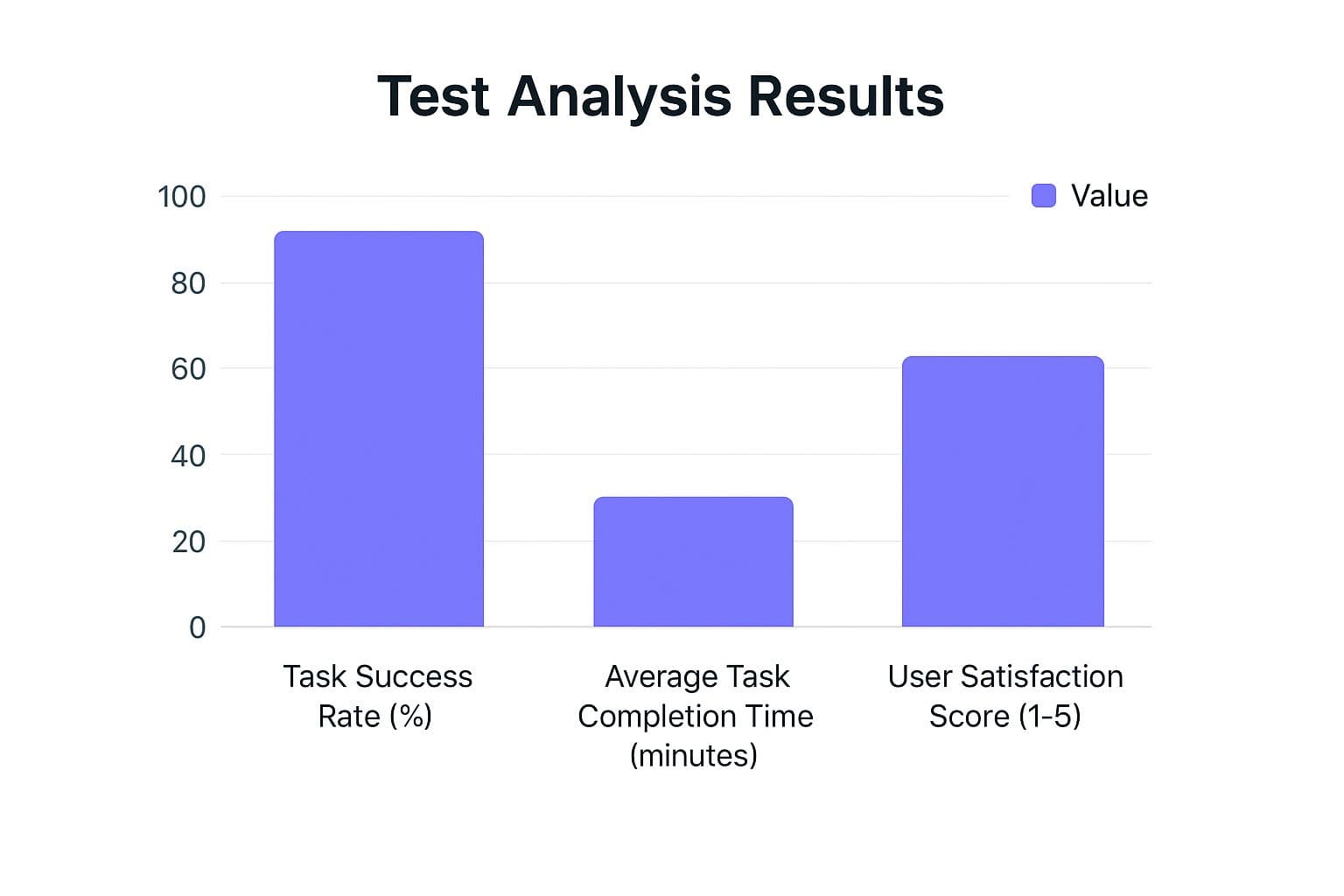
Alright, the tests are done. You're now staring at a mountain of raw data—video recordings, notes, survey answers, maybe even a few transcripts. The real work is just beginning: finding the patterns in the noise.
One of my favorite, battle-tested methods for this is affinity mapping.
It's deceptively simple. Write every single observation, user quote, or pain point on its own sticky note (I use digital tools like Miro, but physical Post-its work great). Then, get your team together and start grouping related notes. Don't overthink it at first; just start clustering things that feel similar.
You'll quickly see themes emerge. Maybe you'll have a whole cluster of notes about users not being able to find the "save" button. Another group might be all about how confusing your pricing page is. These clusters are your recurring usability problems.
Once you have your groups, give each one a clear name that summarizes the issue (e.g., "Difficulty Saving Progress" or "Unclear Pricing Tiers"). This process magically turns a hundred scattered comments into maybe 5-7 core, evidence-backed findings.
Now you have a prioritized hit list. You can see which issues came up most often and which caused the most frustration, giving you a clear, actionable roadmap for your developers. This is infinitely more useful than just throwing a list of complaints over the wall. It’s a structured approach that aligns with broader software testing best practices and ensures you’re fixing what truly matters.
Common Questions About Mobile App Usability Testing
Even with a solid plan, a few questions always seem to pop up when teams first get into mobile usability testing. Let’s tackle some of the most common ones I hear. Getting these cleared up from the start helps everyone feel more confident and keeps the project moving.
One of the biggest myths that just won't die is the idea that you need a massive group of testers for the results to mean anything. This one misconception stops so many teams with tight budgets from even trying, which is a huge mistake. The reality is, you can learn an incredible amount from just a handful of people.
Then there's the whole "moderated vs. unmoderated" debate. It can feel like a major decision, but it’s actually pretty simple once you understand what each one is good for. They both have a place, and knowing when to use which is key.
How Many Users Do I Really Need for a Usability Test?
This is easily the number one question. People assume you need a statistically significant sample size, but for the kind of qualitative testing we're doing, that’s just not true.
Thankfully, the experts at the Nielsen Norman Group did the research years ago. Their findings are famous for a reason: testing with just five users will uncover about 85% of the usability problems in your app.
After five users, you start seeing the same issues over and over again. For an MVP, I've found the sweet spot is 5-8 participants for each main user group you're targeting. This gives you more than enough data to spot the big roadblocks without getting bogged down or breaking the bank. Remember, you're not trying to prove a scientific theory; you're looking for real problems you can fix.
What Is the Difference Between Moderated and Unmoderated Testing?
This really boils down to how you want to interact with your users during the test. They both deliver valuable feedback, just in different ways. Your research goals will point you to the right choice.
- Moderated testing is like having a conversation. A facilitator guides a participant through tasks in real-time, either in person or over a video call. This is your chance to ask spontaneous follow-up questions like, "I saw you hesitated there, what were you thinking?" It’s perfect for digging into complex workflows and getting to the "why" behind a user's actions.
- Unmoderated testing is when users complete tasks on their own, whenever it's convenient for them. They use a testing platform that records their screen and voice as they think aloud. It's much faster and cheaper to run, which makes it great for getting quick feedback on specific design changes or validating a flow with a larger group.
A pro tip is to use both. I often start with a few moderated sessions to uncover the big, unexpected issues. Once we've developed solutions, we'll run unmoderated tests to validate that our fixes actually work for a wider audience.
Can I Perform Usability Testing on a Tight Budget?
Yes, absolutely. A small budget should never be an excuse to skip testing. While there are some fancy platforms and recruiting agencies out there, you can get incredibly valuable insights without spending much money at all.
Ever heard of "guerilla testing"? It's a classic for a reason. You just go to a place like a coffee shop, find people who look like your target users, and ask if they have five minutes to try out an app in exchange for a cup of coffee. It’s fast, cheap, and surprisingly effective.
You can also get creative with tools you already have.
- Use free screen recording software on a phone or laptop.
- Ask friends-of-friends or find people in relevant Facebook or LinkedIn groups (just be careful to find unbiased participants!).
- Check out platforms like Maze or UserTesting—many have free or low-cost plans perfect for small, unmoderated tests.
The most important thing is to get your app in front of fresh eyes. A little bit of real-world feedback is infinitely better than flying blind based on your own assumptions.
Ready to turn your app idea into a market-ready product without the guesswork? At Iglu Digital, we specialize in building functional, user-tested MVPs for a price agreed before a line of code is written. We combine rapid development with a user-centric approach to ensure your vision becomes a reality, fast. Transform your concept into a tangible product with us.