
11 Best Software Documentation Templates for 2025
Table of Contents
Creating effective software documentation from scratch is a formidable task, often leading to inconsistent, incomplete, or hard-to-maintain resources. The right foundation is crucial for building technical content that truly serves developers, users, and stakeholders. This is where high-quality software documentation templates become essential, providing the structure and standardized components needed to accelerate the process and ensure a professional outcome. A well-chosen template transforms a blank page into a guided workflow, helping you capture critical information accurately and efficiently from the start.
This curated listicle moves beyond generic advice and dives directly into the best platforms and marketplaces for sourcing powerful documentation templates. We've gathered the top resources, from comprehensive knowledge base platforms like Atlassian Confluence and Document360 to developer-centric tools such as GitBook and Stoplight. Each entry provides a practical overview, an honest assessment of its strengths and limitations, and specific use cases to help you match the tool to your project's unique requirements. Whether you're an early-stage startup founder building an MVP, a CTO standardizing internal processes, or a small business owner digitizing your services, this guide is designed to help you make an informed decision quickly.
Inside, you will find:
- A detailed analysis of 11 top-tier platforms and template providers.
- Direct links and visual previews to see the templates in action.
- Clear guidance on which solution best fits different project types, like API references, user guides, or internal knowledge bases.
Forget the guesswork. Let's find the perfect software documentation templates to streamline your workflow and produce clear, impactful, and maintainable documentation.
1. Atlassian Confluence
Atlassian Confluence isn't just a platform; it's a collaborative ecosystem designed to be the single source of truth for technical teams. Its strength lies in its extensive library of over 70 built-in software documentation templates, which cover everything from project requirements and meeting notes to retrospectives and how-to articles. For teams already embedded in the Atlassian suite, Confluence provides unparalleled integration with Jira, allowing you to link issues, track progress, and embed development roadmaps directly into your documentation.
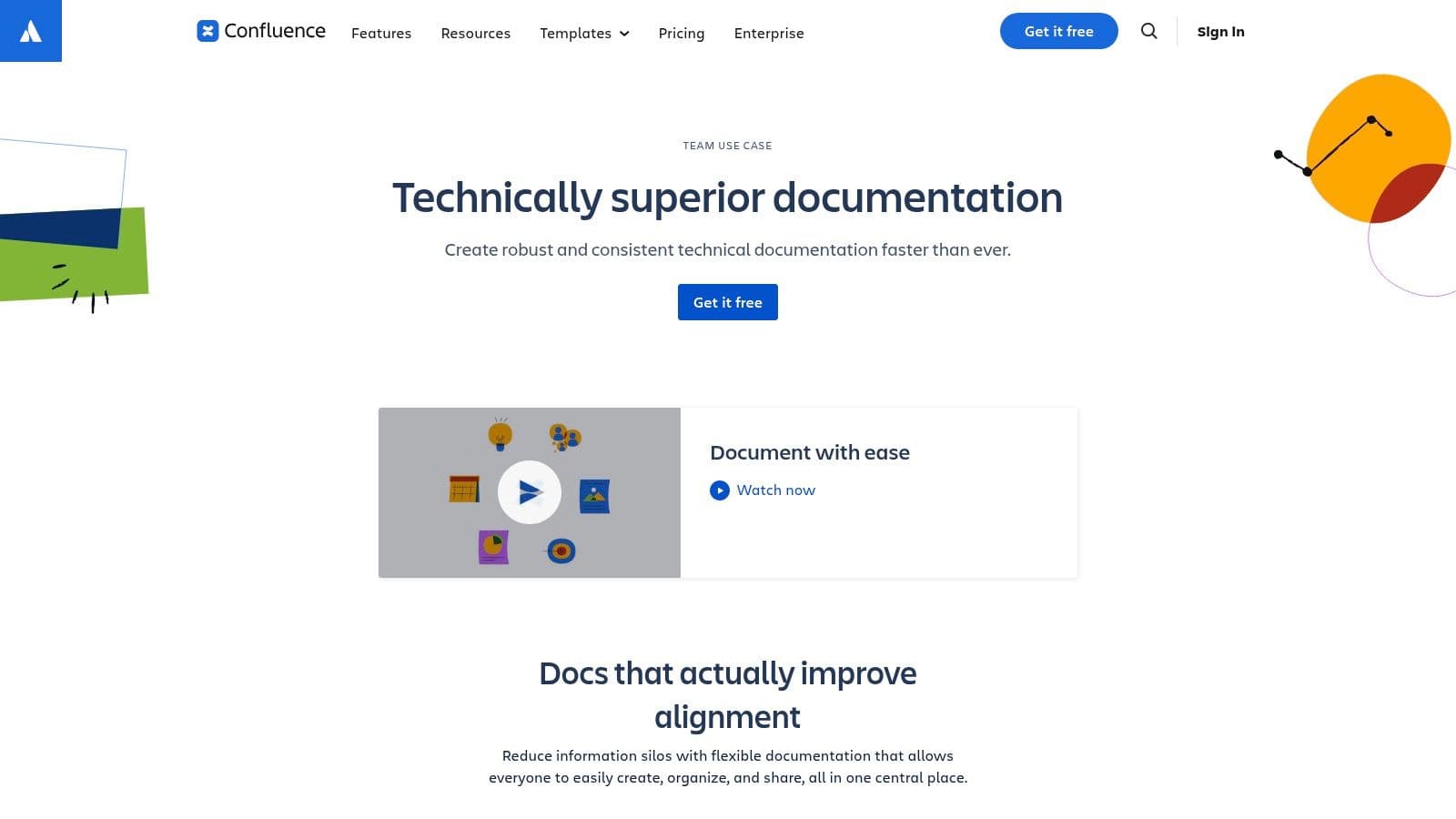
The platform empowers non-technical contributors to create and edit content with an intuitive, WYSIWYG editor, breaking down silos between engineering, product, and support teams. Powerful features like page versioning, granular permissions, and a structured page tree make managing complex documentation spaces straightforward. This is especially useful when creating a comprehensive software implementation plan where multiple stakeholders need to contribute.
Key Features & Assessment
While Confluence excels at collaboration and integration, its advanced customization and theming capabilities are limited without purchasing add-ons from the Atlassian Marketplace. For rapidly scaling teams, establishing clear governance and a content organization strategy is crucial to prevent content sprawl.
| Feature | Assessment |
|---|---|
| Template Variety | Excellent. Covers diverse needs from IT to product management. |
| Jira Integration | Seamless. The primary reason many teams choose Confluence. |
| Collaboration | Strong. Real-time editing, comments, and notifications are top-tier. |
| Customization | Fair. Requires Marketplace add-ons for advanced theming and branding. |
| Pricing | Free for up to 10 users; paid plans start at $6.05/user/month (Standard). |
Website: Atlassian Confluence Technical Documentation
2. GitBook
GitBook specializes in creating modern, public-facing documentation sites and internal knowledge bases with remarkable speed. It stands out with a minimalist, content-first approach, allowing teams to publish polished, professional-looking documentation without needing a design team. Its collection of software documentation templates focuses on developer hubs, product docs, and API references, providing a solid foundation for teams to build upon. GitBook’s killer feature is its effortless deployment process, which includes real-time previews for every change.
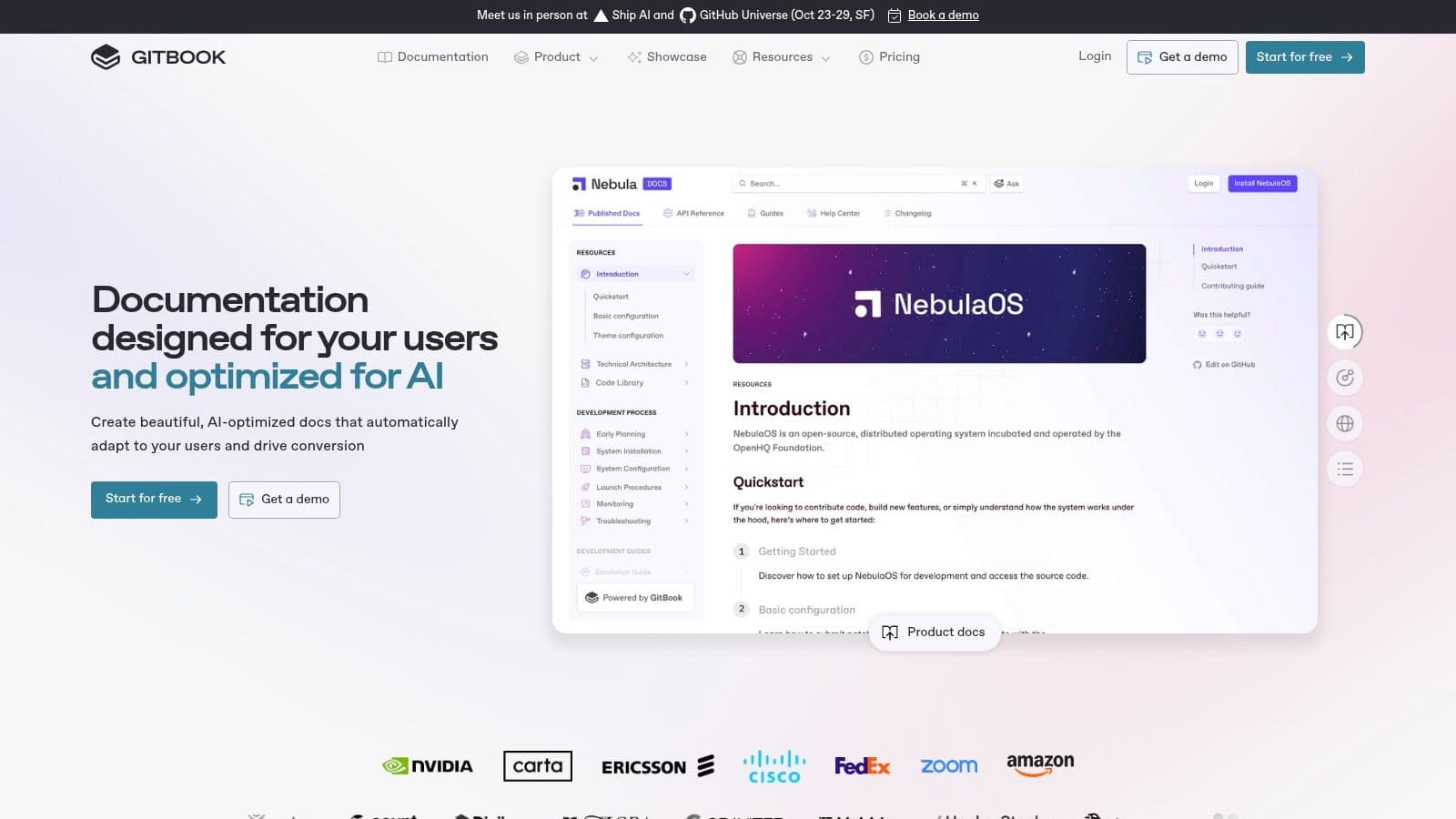
The platform is engineered for a developer-centric workflow but remains accessible to non-technical writers. Features like an AI assistant for search, easy section management, and built-in site analytics help teams improve their content's effectiveness. For startups and teams needing to launch a high-quality help center or developer portal quickly, GitBook removes nearly all friction. The ability to use custom domains and apply basic branding on most plans makes it a go-to choice for creating an official documentation presence.
Key Features & Assessment
While GitBook excels at simplicity and speed, users seeking deep customization or advanced governance features may find it limiting. The most powerful controls for permissions and content management are reserved for the highest-tier plans, which might be a consideration for larger enterprises. Its clean default theme, however, is a major advantage for teams that value aesthetics and readability out of the box.
| Feature | Assessment |
|---|---|
| Template Variety | Good. Strong focus on developer portals and product documentation. |
| Ease of Use | Excellent. Intuitive interface makes publishing fast and simple. |
| AI Assistant | Strong. Enhances user experience with intelligent search and answers. |
| Customization | Fair. Advanced branding and theming require higher-tier plans. |
| Pricing | Free for individuals; paid team plans start at $6.40/user/month (Plus). |
Website: GitBook
3. ReadMe
ReadMe positions itself as more than a documentation site; it's an interactive developer hub built for API-first companies. Its core strength is turning static API specifications (like OpenAPI/Swagger) into dynamic, usable reference documentation. The platform provides a powerful framework of software documentation templates for creating comprehensive guides, tutorials, and API references, ensuring developers have everything they need to integrate successfully. For teams focused on external developer experience, ReadMe is a standout choice.
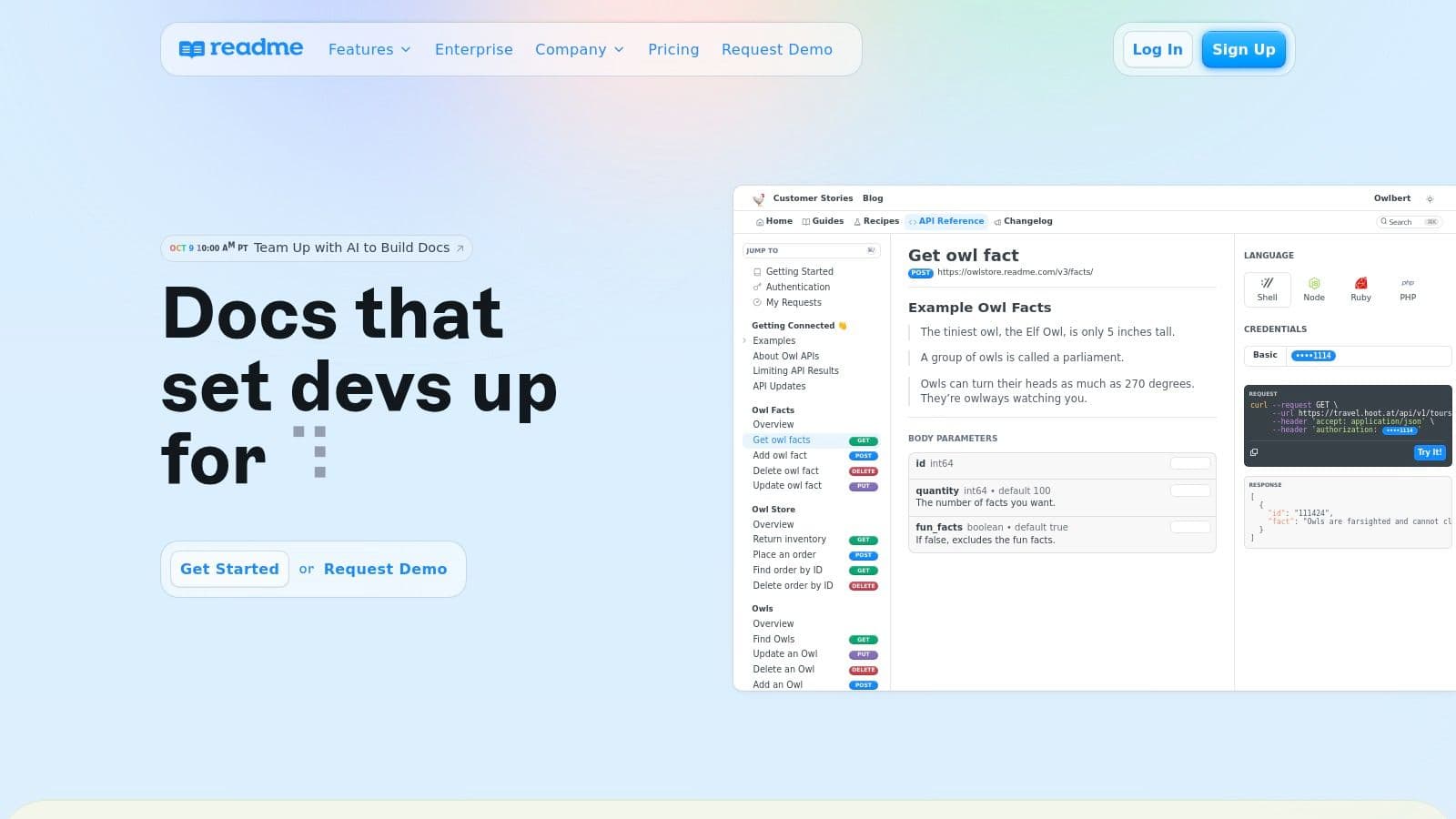
The platform is designed to foster a community around your product. Features like discussion forums, changelogs, and suggested edits allow users to engage directly with the documentation and the team behind it. This transforms documentation from a one-way broadcast into a collaborative conversation. Developer metrics also provide valuable insights into which endpoints are most used and where developers might be struggling, allowing you to improve both your API and its documentation proactively.
Key Features & Assessment
While ReadMe offers a premium experience for API documentation, it can be more expensive and specialized than general-purpose wiki platforms. Its true value is unlocked when a company’s primary product is its API, making the investment in developer experience and analytics a strategic advantage. For internal-only documentation, other tools might be more cost-effective.
| Feature | Assessment |
|---|---|
| Template Variety | Good. Focused on API references, guides, and developer hub content. |
| Interactive API Console | Excellent. Allows developers to make real API calls directly from docs. |
| Community Features | Strong. Built-in forums and changelogs enhance developer engagement. |
| Customization | Good. Offers custom CSS and branding, with full JS/HTML on higher tiers. |
| Pricing | Free plan for personal projects; paid plans start at $99/project/month. |
Website: ReadMe
4. Document360
Document360 is a dedicated knowledge base platform built specifically for creating, managing, and publishing product documentation and help centers. It goes beyond generic wikis by offering a suite of specialized tools, including article templates, robust version control, and powerful API documentation features. Its main advantage is providing an all-in-one solution for public-facing support content, complete with advanced branding controls, analytics, and localization.
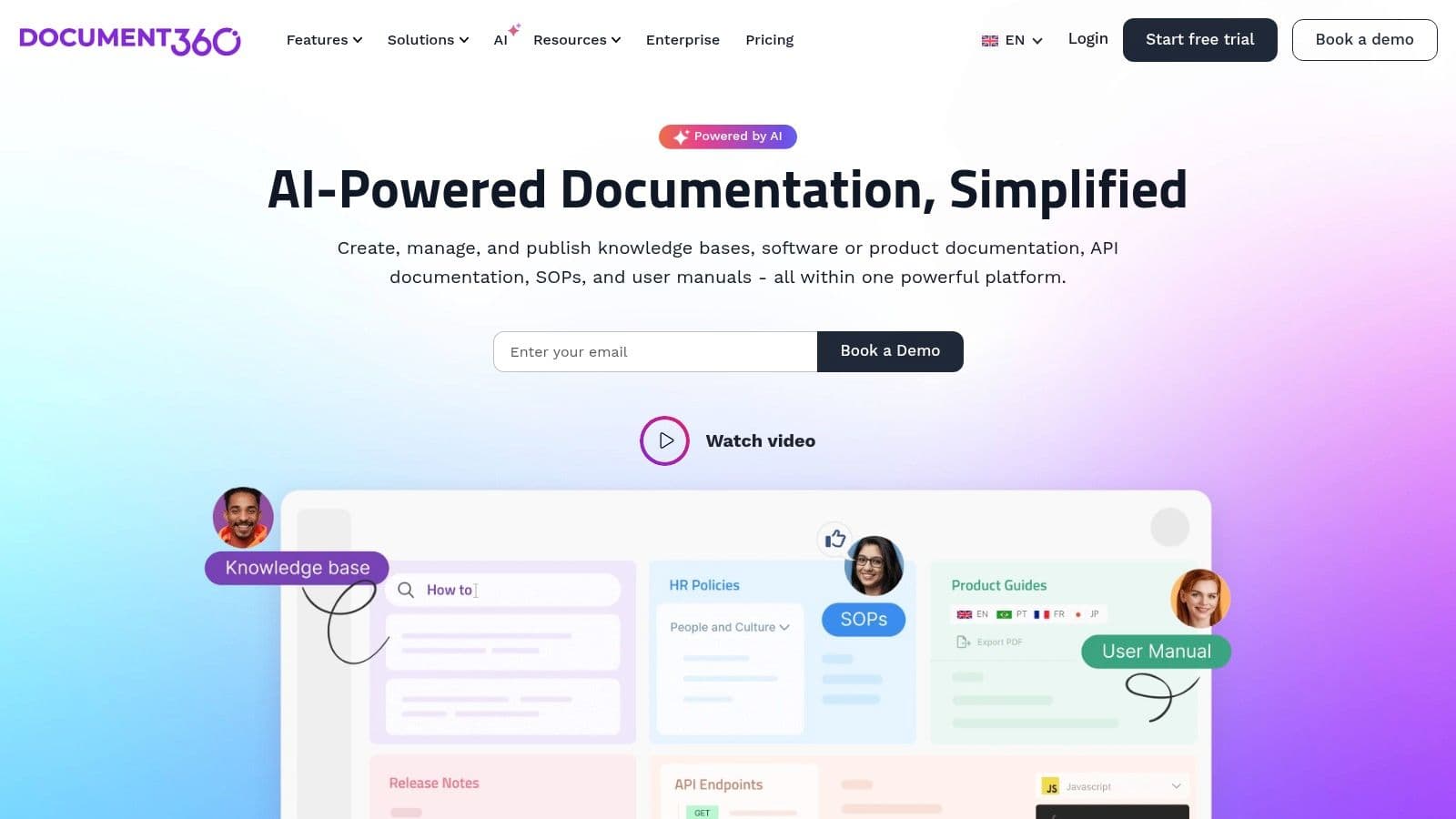
The platform is engineered for scale, featuring AI-powered writing assistance to accelerate content creation and auto-translation that supports over 50 languages, making global product support manageable. For technical teams, the ability to customize with CSS/JS and manage content via bulk actions streamlines workflows significantly. This focus on a polished, professional output makes it a strong contender for companies weighing the pros and cons of a specialized solution versus a custom build.
Key Features & Assessment
While Document360 offers a comprehensive feature set for knowledge bases, its pricing structure can be a hurdle for smaller teams. Most plans are quote-based, and many advanced features like private documentation and full security compliance are reserved for higher enterprise tiers.
| Feature | Assessment |
|---|---|
| Template Variety | Good. Offers dedicated article templates for product docs and FAQs. |
| Localization | Excellent. Auto-translation and workflow support are standout features. |
| Customization | Strong. Full control over custom domains, branding, CSS, and JS. |
| AI Assistance | Good. AI writer and FAQ generator help speed up content creation. |
| Pricing | Fair. Starts at $149/project/month (Standard); advanced plans by quote. |
Website: Document360 Knowledge Base Software
5. Archbee
Archbee is a modern documentation platform specifically engineered for product-centric teams, making it a strong contender for creating public-facing knowledge bases and API references. It provides a clean, developer-friendly environment with a rich set of software documentation templates for product guides, API endpoints, and internal wikis. Its standout feature is the unlimited reader access across all paid plans, which is a significant cost advantage for companies with a large user base.
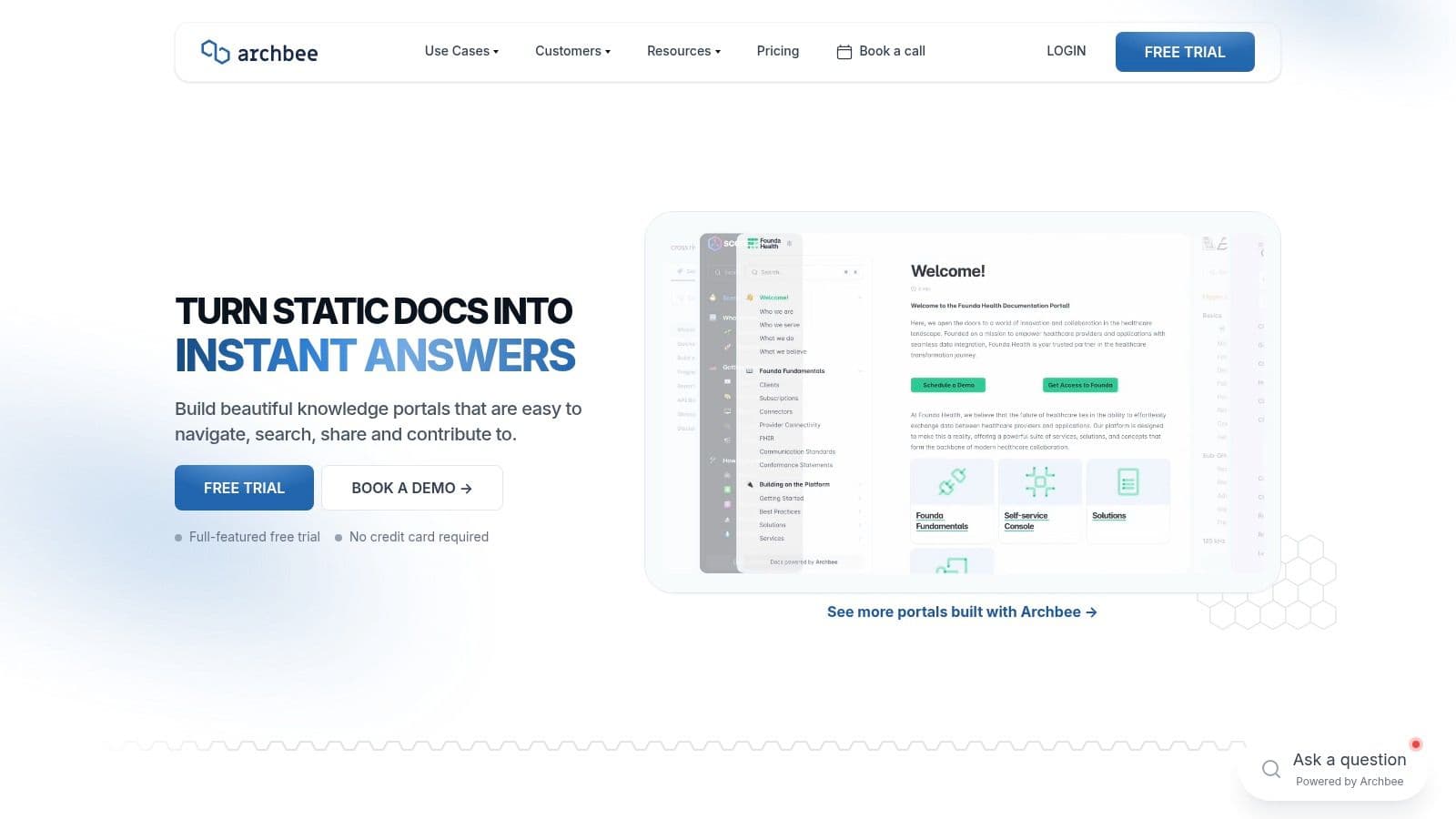
The platform shines with its powerful API documentation capabilities, including native OpenAPI (Swagger) spec rendering and tight integration with GitHub for keeping docs in sync with code. Features like reusable content blocks (variables), versioning, and localization support streamline the process of managing complex documentation for global products. The ability to create both public and private documentation spaces with custom domains allows teams to maintain a consistent brand experience for customers and internal stakeholders alike.
Key Features & Assessment
While Archbee offers a compelling package, particularly for startups, some of its more advanced features, such as SAML SSO and dedicated support, are reserved for higher-tier plans. Its ecosystem is smaller than that of giants like Confluence, which may mean fewer third-party integrations. However, its focused feature set for product and API documentation is highly effective.
| Feature | Assessment |
|---|---|
| Template Variety | Good. Strong focus on product, API, and internal knowledge bases. |
| API Documentation | Excellent. Native OpenAPI support and GitHub integration are top-notch. |
| Collaboration | Strong. Offers review workflows, comments, and mentions. |
| Cost-Effectiveness | Excellent. Unlimited readers on paid plans provide great value. |
| Pricing | Free plan available; paid plans start at $75/month (Scaling plan). |
Website: Archbee
6. Redocly
Redocly is an enterprise-grade platform engineered specifically for creating, managing, and publishing API documentation. It champions the OpenAPI (formerly Swagger) specification, transforming it into a clean, responsive, and highly interactive three-panel documentation site. Unlike general-purpose wikis, Redocly’s software documentation templates are laser-focused on providing an exceptional developer experience for API consumers, complete with code samples, schema definitions, and a "try-it" console.
The platform is built with a docs-as-code workflow at its core, integrating seamlessly with Git repositories for version control and CI/CD pipelines for automated deployments. This approach ensures that your documentation is always synchronized with your source code. Redocly’s dedication to performance and usability makes it a standout choice for companies where the API is the product, and a top-tier developer portal is crucial for adoption. The focus on a streamlined interface aligns with best practices in user experience design to reduce friction for developers.
Key Features & Assessment
While Redocly provides a best-in-class experience for API references, its specialization means it isn't the right tool for broader knowledge bases or internal team wikis. Its power lies in its ability to take a complex API specification and render it into documentation that is both beautiful and functional, hosted on a global CDN for maximum speed and reliability.
| Feature | Assessment |
|---|---|
| Template Variety | Limited. Primarily focused on OpenAPI-based API reference docs. |
| Developer Experience | Excellent. The interactive console and clean layout are industry-leading. |
| Git Integration | Strong. Enables robust docs-as-code workflows and automation. |
| Customization | Good. Offers theming and branding controls to match your company’s style. |
| Pricing | Free open-source option; paid plans start at $75/month (Basic). |
Website: Redocly API Documentation
7. Stoplight
Stoplight positions itself as a comprehensive API design-first platform where documentation is a natural byproduct of a well-structured development process. It's built around the OpenAPI Specification (formerly Swagger) and offers a powerful visual editor that simplifies the creation and management of complex API definitions. This approach ensures that the interactive software documentation templates it generates are always accurate and in sync with the API's design. For teams building modern, API-driven applications, Stoplight provides an integrated environment for design, mocking, and documentation.
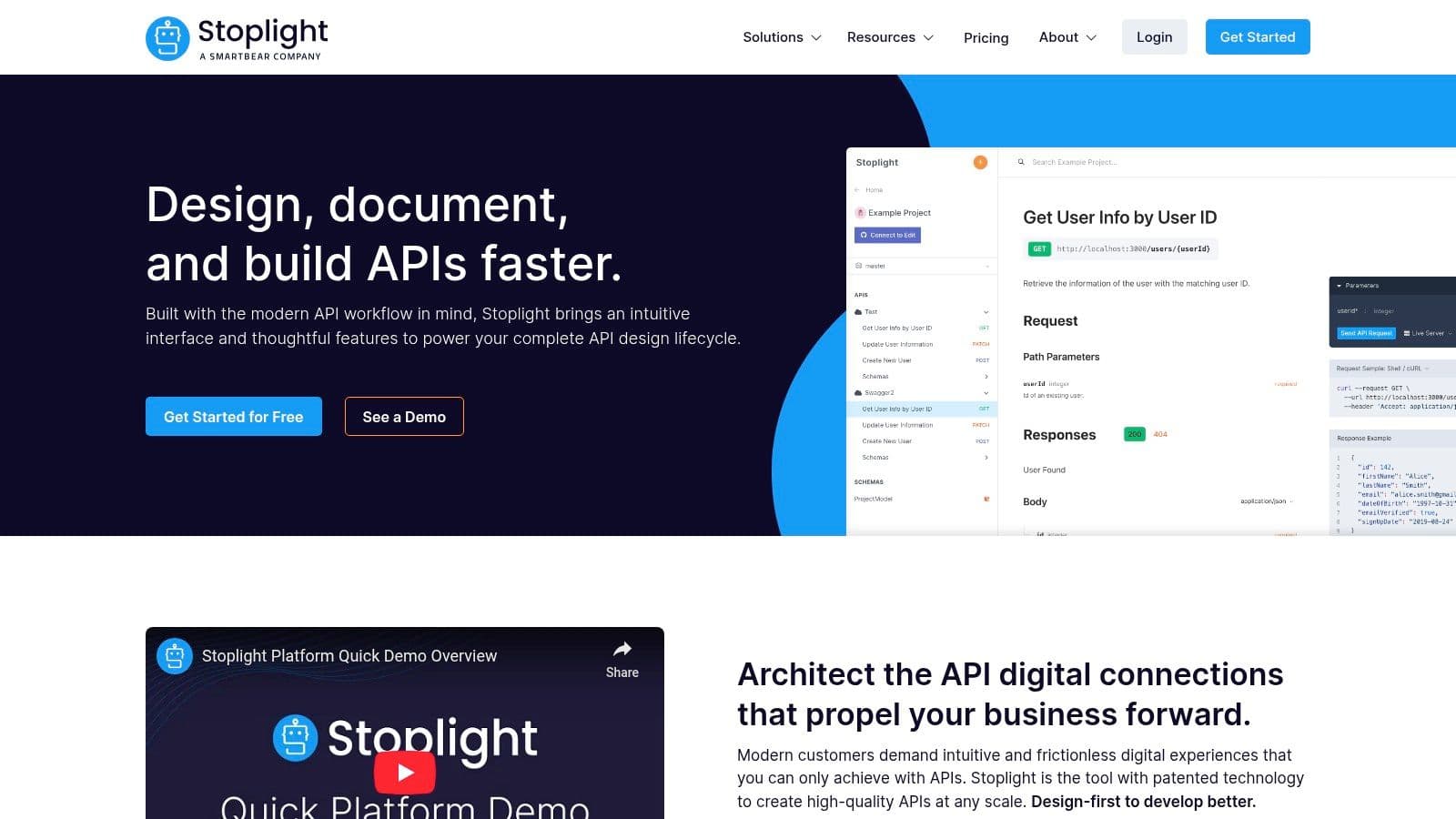
The platform’s standout feature is its automatically generated, interactive API documentation. Developers can use the "try-it-out" functionality to make live API calls directly from the documentation pages, dramatically accelerating testing and integration. Paired with its mock server capabilities, teams can build and test against an API specification before a single line of backend code is written. This unified workflow fosters collaboration between frontend and backend developers and reduces dependency-related delays.
Key Features & Assessment
While Stoplight is a powerhouse for API documentation and design, its focus is narrower than general-purpose tools like Confluence. Its true value is unlocked when used as an end-to-end API lifecycle management tool. Teams looking for simple, markdown-based documentation may find its feature set overly complex for their needs.
| Feature | Assessment |
|---|---|
| Template Variety | Good. Focused primarily on generating interactive API reference docs. |
| Interactive Docs | Excellent. The "try-it-out" feature is best-in-class for developers. |
| Collaboration | Strong. Git-based workflow and a visual editor support team alignment. |
| Customization | Good. Theming and custom domains are available on paid plans. |
| Pricing | Free for individuals; paid plans start at $99/month for the Starter plan. |
Website: Stoplight API Design & Documentation
8. MadCap Flare
MadCap Flare is an enterprise-grade professional authoring tool designed for technical writers who require powerful single-source publishing capabilities. Its core strength is topic-based authoring, allowing you to create content once and reuse it across multiple outputs like online help, knowledge bases, and printable PDFs. The platform comes equipped with factory project templates and downloadable software documentation templates that serve as robust starting points for complex documentation projects.
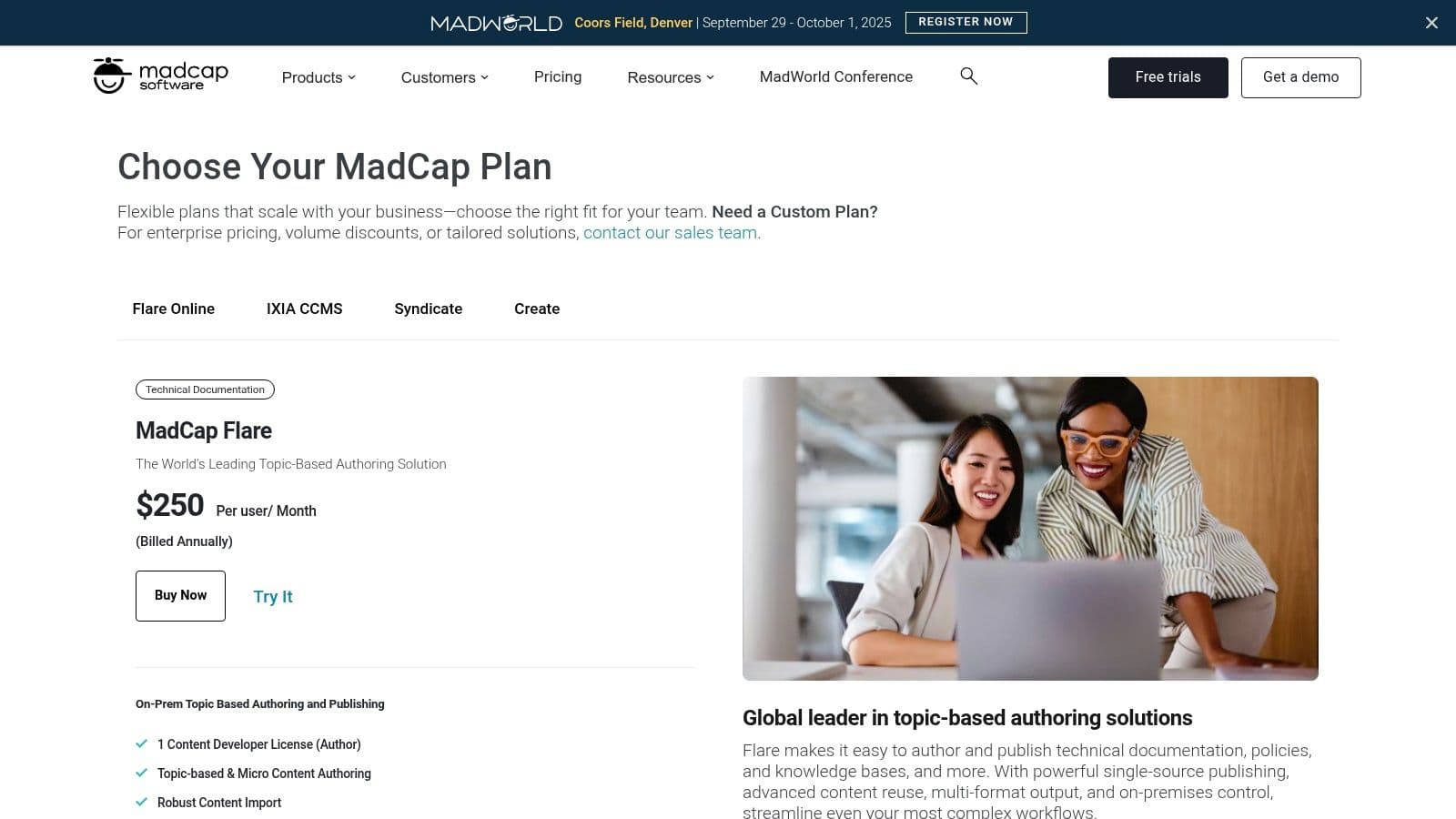
Unlike simpler wiki-based tools, Flare provides advanced features for content reuse, conditional text, and multi-channel publishing, making it ideal for organizations managing extensive product documentation. It enables teams to maintain consistency and governance across all materials, integrating with platforms like Salesforce and Zendesk to deliver context-sensitive help directly within those applications. This centralized approach simplifies updates and ensures brand consistency everywhere.
Key Features & Assessment
While Flare offers unparalleled control for professional technical communicators, its complexity presents a steeper learning curve than more intuitive platforms like Confluence. Its subscription cost is also higher, positioning it as a solution for teams where documentation is a critical, dedicated function rather than a collaborative, company-wide effort.
| Feature | Assessment |
|---|---|
| Template Variety | Excellent. Provides professional templates for print, web, and mobile. |
| Single-Sourcing | Unmatched. Advanced content reuse and conditionalization are core features. |
| Integrations | Strong. Connects with Salesforce, Zendesk, and ServiceNow. |
| Learning Curve | High. Requires dedicated training for users to become proficient. |
| Pricing | Subscription-based; pricing is higher and targeted at enterprise users. |
Website: MadCap Flare
9. ClickHelp
ClickHelp is a modern, browser-based documentation platform designed for teams that need a powerful, out-of-the-box solution without the hassle of self-hosting. It offers a robust environment for creating, managing, and publishing technical content, including a variety of professional software documentation templates to accelerate the writing process. Its key differentiator is the combination of an intuitive authoring tool with enterprise-grade features like granular permissions, review workflows, and a built-in translation module.
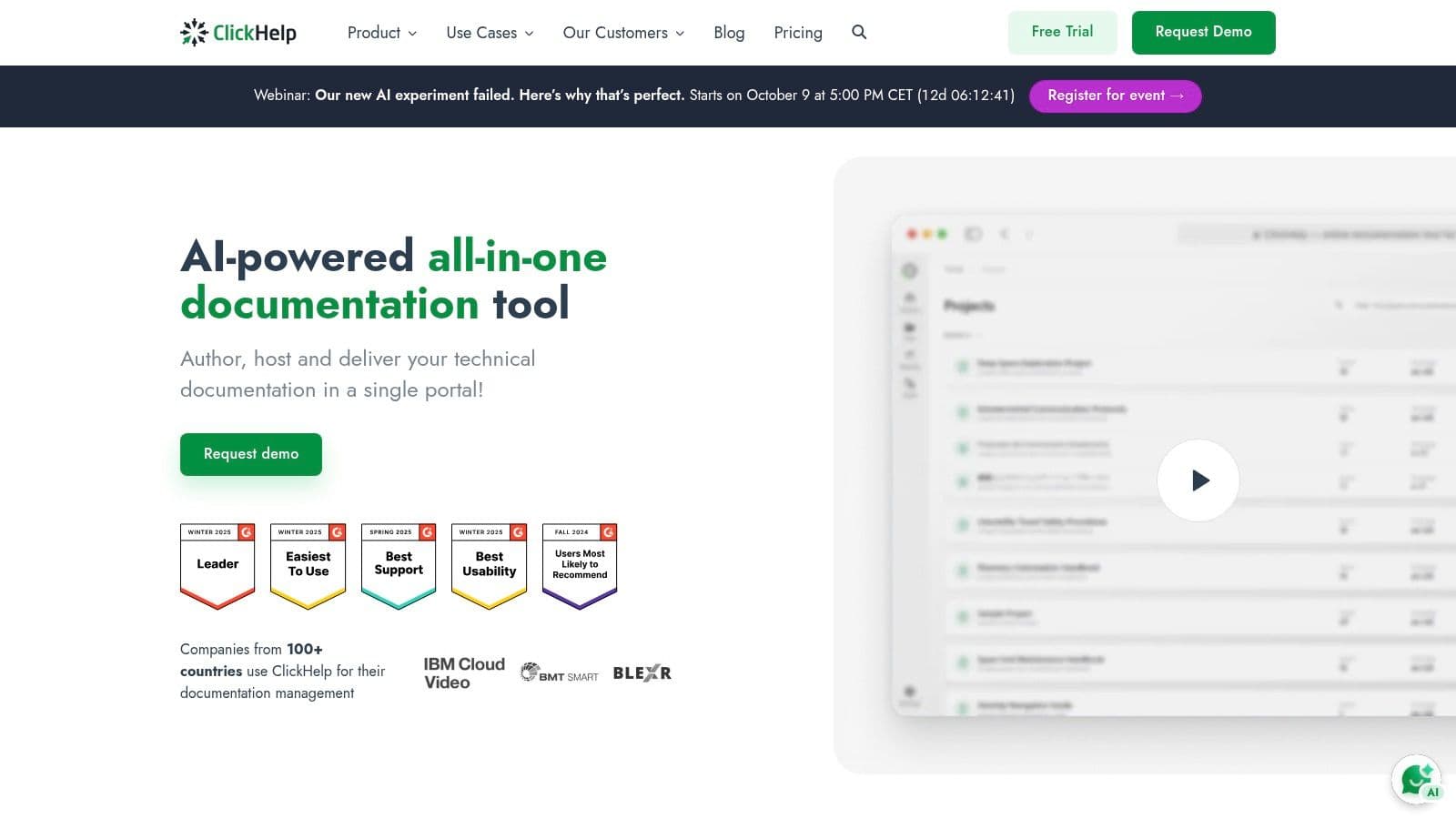
The platform is built to scale, supporting both public-facing help centers and private, access-controlled portals with unlimited reader accounts. For teams seeking advanced automation, ClickHelp provides a REST API and CI/CD integration options, allowing documentation to be updated as part of the development lifecycle. Optional add-ons, like the AI Suite, further enhance productivity by assisting with content generation and refinement.
Key Features & Assessment
While ClickHelp excels as a turnkey documentation portal, its strength comes from its modular nature, which can also be a drawback. The cost can escalate quickly as you add essential features like the REST API or sandbox environments. It's best suited for teams that need a fully managed solution with strong control over branding, user access, and content lifecycle management.
| Feature | Assessment |
|---|---|
| Template Variety | Good. Provides solid, professional templates for various doc types. |
| Workflow & Review | Excellent. Powerful tools for collaboration, reviews, and status tracking. |
| Translation Support | Strong. Built-in editor and XLIFF support streamline localization. |
| Customization | Very Good. Extensive branding options and CSS customization available. |
| Pricing | Plan-based, with costs increasing significantly based on add-ons chosen. |
Website: ClickHelp
10. Read the Docs
Read the Docs is less a direct provider of templates and more a powerful hosting platform that standardizes documentation for projects using static-site generators like Sphinx and MkDocs. Its key advantage is automating the entire build and deployment process directly from Git repositories (like GitHub or Bitbucket). This "docs as code" approach makes it the de facto standard for countless open-source projects, allowing developers to write documentation in simple markup languages like reStructuredText or Markdown.
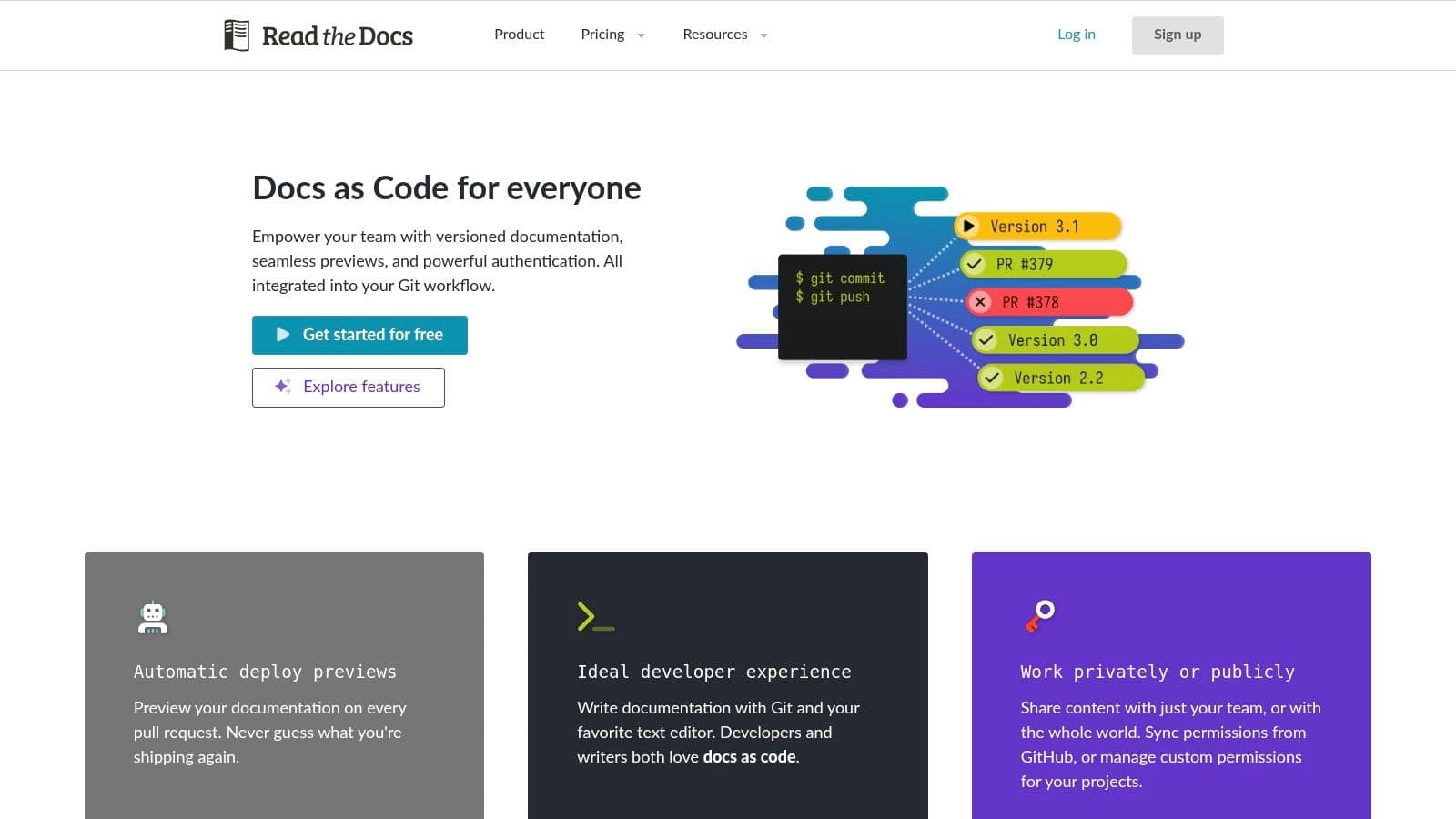
The platform automatically builds and hosts multiple versions of your documentation, corresponding to different branches or tags in your repository, which is invaluable for software with various release versions. While you don't download software documentation templates from Read the Docs itself, it seamlessly integrates with the mature theme and template ecosystems of Sphinx and MkDocs. This gives teams a robust, version-controlled, and highly automatable solution for creating clean, professional, and searchable documentation sites.
Key Features & Assessment
Read the Docs excels at providing a free, powerful hosting solution for public documentation, but its core value is tied to specific toolchains. Advanced features like custom domains, private repositories, and detailed analytics are reserved for its paid commercial plans. Customizing the look and feel beyond standard themes often requires some front-end development knowledge.
| Feature | Assessment |
|---|---|
| Template Variety | Fair. Relies on the external Sphinx and MkDocs theme ecosystems. |
| Git Integration | Excellent. Automated builds and versioning are its core strengths. |
| Collaboration | Good. Supports a "docs as code" workflow with pull requests and code reviews. |
| Customization | Fair. Requires front-end skills for anything beyond pre-built themes. |
| Pricing | Free for open-source projects; paid plans start at $50/month for businesses. |
Website: Read the Docs
11. Envato Market (ThemeForest)
For teams seeking complete control over their documentation's hosting and appearance, Envato Market's ThemeForest offers a vast library of purpose-built software documentation templates. Unlike SaaS platforms, these are downloadable HTML or WordPress themes that provide a robust framework for creating self-hosted help centers, knowledge bases, and API references. This approach is ideal for businesses that want to own their content infrastructure and avoid recurring subscription fees.
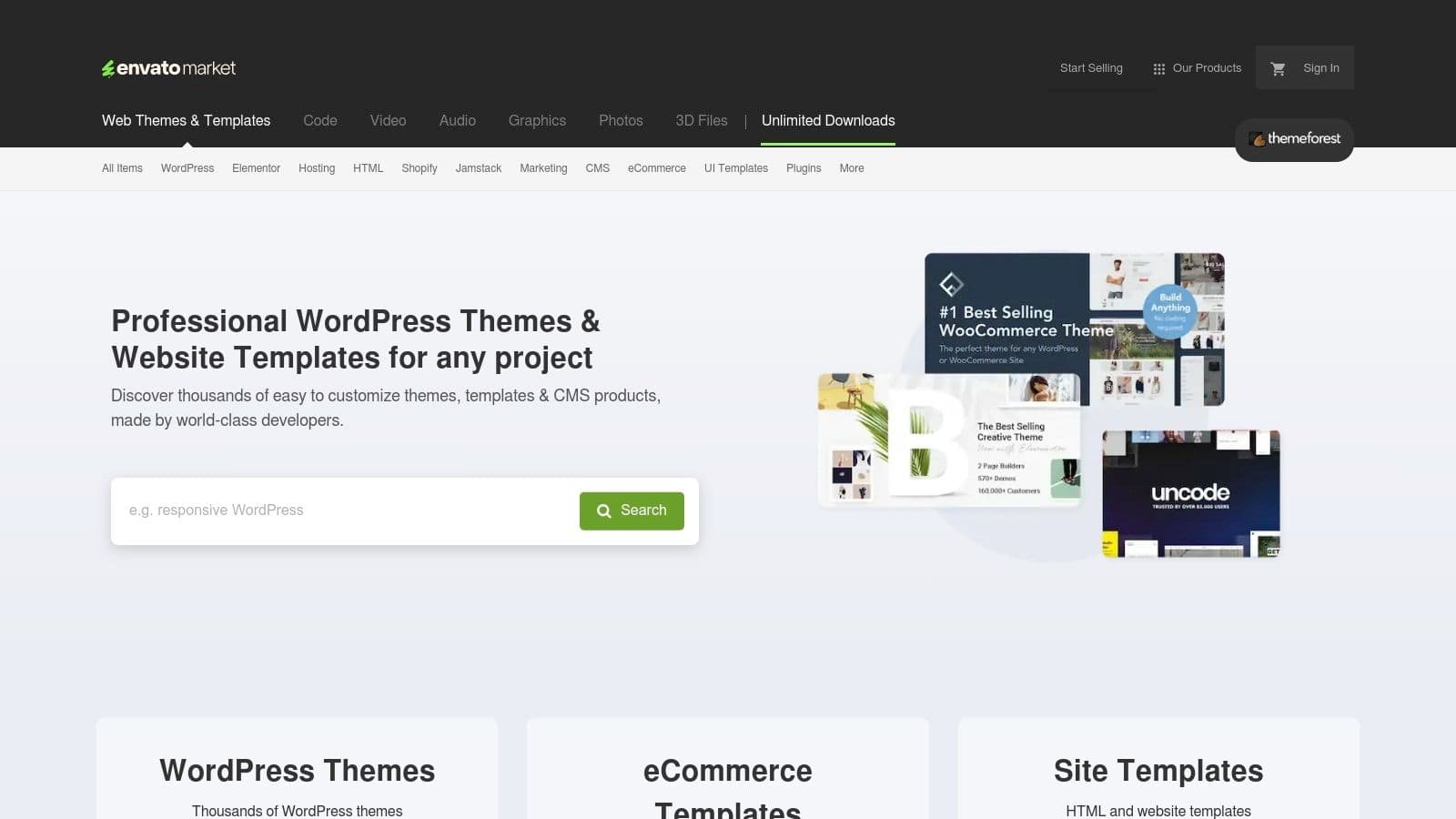
Most templates are built on responsive frameworks like Bootstrap, ensuring a consistent experience across all devices. They often include documentation-specific features like interactive navigation, code syntax highlighting, and FAQ layouts. The one-time purchase model typically includes future updates and a period of author support, making it a cost-effective solution. However, this freedom comes with the responsibility of managing hosting, security, and maintenance.
Key Features & Assessment
While ThemeForest provides an incredible variety of designs, the quality and support can vary significantly between different authors. It's crucial to carefully read user reviews, check the item's update history, and review the author's portfolio before purchasing. This due diligence ensures you select a reliable template that will meet your long-term needs.
| Feature | Assessment |
|---|---|
| Template Variety | Excellent. A massive selection of HTML and WordPress themes. |
| Ownership & Control | Complete. You own the files and can host the documentation anywhere. |
| Cost-Effectiveness | Strong. A one-time purchase is often cheaper than ongoing subscriptions. |
| Maintenance | High. Requires self-management of hosting, updates, and security. |
| Pricing | One-time purchases, typically ranging from $19 to $79 per template. |
Website: ThemeForest
Software Documentation Templates: Top 11 Comparison
| Product | Core Features / Capabilities | User Experience / Quality ★ | Value Proposition 💰 | Target Audience 👥 | Unique Selling Points ✨ |
|---|---|---|---|---|---|
| Atlassian Confluence | 70+ templates, Jira integration, versioning | ★★★★ Good search & org | 💰 Moderate, best with Atlassian stack | 👥 Cross-functional teams | 🏆 Strong Jira & Marketplace integration |
| GitBook | Public/private docs, AI search, custom branding | ★★★★ Clean themes, fast launch | 💰 Subscription, unlimited traffic | 👥 Developer & product teams | ✨ AI-assisted search, easy branding |
| ReadMe | Interactive API console, GitHub sync, theming | ★★★★★ API-doc focused UX | 💰 Higher price, API-doc specialists | 👥 API-first developers | 🏆 Interactive API reference, community |
| Document360 | Article mgmt, AI writing, translation, SEO control | ★★★★ Robust localization | 💰 Quote-based pricing, enterprise | 👥 Product doc & support centers | ✨ AI assistance, 50+ languages |
| Archbee | API docs, GitHub integration, versioning, variables | ★★★★ Unlimited readers | 💰 Transparent tiers, startup discounts | 👥 Startups & SMEs | ✨ Unlimited reader access, GitHub synced |
| Redocly | OpenAPI API reference, global CDN, theming | ★★★★★ Excellent API experience | 💰 Free to enterprise scalable | 👥 API doc teams | 🏆 Try-it console, scalable performance |
| Stoplight | Visual OpenAPI editor, mock servers, analytics | ★★★★ API design + docs combo | 💰 Pricing per seat, governance tiers | 👥 API designers & developers | ✨ Free seats, integrated design & docs |
| MadCap Flare | Multi-channel publishing, templates, workflows | ★★★★ Enterprise-grade quality | 💰 Higher subscription cost | 👥 Enterprises & large teams | 🏆 Extensive templates, governance tools |
| ClickHelp | Hosted portal, workflow, translation, AI add-ons | ★★★★ Strong review workflows | 💰 Varies, add-ons increase cost | 👥 Support & doc teams | ✨ AI suite, unlimited readers |
| Read the Docs | Git builds, versioning, analytics | ★★★★ Mature open-source standard | 💰 Cost-effective for engineering | 👥 Open-source & dev teams | 🏆 Standard for OSS, automated builds |
| Envato Market | Downloadable HTML/WordPress templates | ★★★ Depends on theme quality | 💰 One-time purchase, cost-effective | 👥 Self-hosting teams | ✨ Variety, self-host control |
Build Better Products with Smarter Documentation
Navigating the landscape of software documentation can feel overwhelming, but as we've explored, the right framework can transform this challenge into a strategic advantage. The journey from a complex codebase to clear, accessible information is paved with effective templates. This comprehensive review of tools from Confluence to Envato Market demonstrates that there is no one-size-fits-all solution; the optimal choice is deeply rooted in your team's specific context, technical stack, and long-term goals.
The tools we've analyzed serve different masters. Platforms like Confluence and GitBook excel in fostering collaborative, internal knowledge bases, making them ideal for agile teams needing a single source of truth. In contrast, API-centric tools such as ReadMe, Redocly, and Stoplight are purpose-built for developers, offering interactive experiences that significantly reduce integration friction for your API consumers. Then there are the dedicated help authoring tools (HATs) like MadCap Flare and ClickHelp, which provide unparalleled control and multi-format publishing capabilities for enterprises managing complex product suites.
The key takeaway is that selecting a tool is less about finding the "best" platform and more about identifying the best fit for your workflow. The most powerful software documentation templates are those that integrate seamlessly into your development lifecycle, rather than creating an additional administrative burden.
Your Next Steps: From Selection to Implementation
Choosing a template is just the beginning. To truly leverage these resources, you must move from selection to strategic implementation. Here’s a practical roadmap to guide your next steps and ensure your documentation efforts deliver tangible value.
- Define Your Audience and Purpose:
Before committing to any platform, clearly identify who you are writing for. Is it for internal developers, external API partners, or non-technical end-users? The needs of these distinct groups will dictate the structure, tone, and level of detail required. A startup's internal MVP documentation has vastly different requirements than a public-facing enterprise API reference.
- Assess Your Team's Skillset:
Consider the technical proficiency of your content creators. Will technical writers be using a HAT like MadCap Flare, or will developers be writing in Markdown using a Docs-as-Code approach with Read the Docs or GitBook? Aligning the tool with your team's existing skills minimizes the learning curve and encourages adoption. Forcing a complex system on a team that prefers simplicity is a recipe for outdated, neglected documentation.
- Plan for Scalability and Maintenance:
Your documentation needs will evolve as your product grows. Think about the future. Will you need to support multiple product versions? Will you require advanced features like localization, versioning, or sophisticated analytics? Platforms like Document360 and Archbee are built with scalability in mind, while simpler template solutions might require more manual effort to manage as complexity increases.
- Start Small and Iterate:
Don't try to document everything at once. Begin with a critical user journey or a core API endpoint. Use this initial project as a pilot to test your chosen tool and gather feedback from your team and, if possible, from a small group of users. This iterative approach allows you to refine your processes and prove the value of documentation before committing to a full-scale rollout. By focusing on high-impact areas first, you build momentum and demonstrate immediate ROI.
Ultimately, effective software documentation is a living asset that grows alongside your product. It’s an investment in clarity, efficiency, and user satisfaction. The right software documentation templates and tools act as a powerful catalyst, providing the structure and automation needed to build a robust knowledge base that empowers your team and delights your customers. Choose wisely, implement thoughtfully, and build a foundation for sustainable success.
If you're an entrepreneur or startup founder focused on turning a great idea into a market-ready product, you know that solid documentation is just one piece of the puzzle. At Iglu Digital, we specialize in transforming concepts into fully functional MVPs and scalable software solutions. Visit Iglu Digital to see how our expert development teams can help you build the technical foundation your business needs to succeed.